Projection mapping made easy: quick start, stunning results
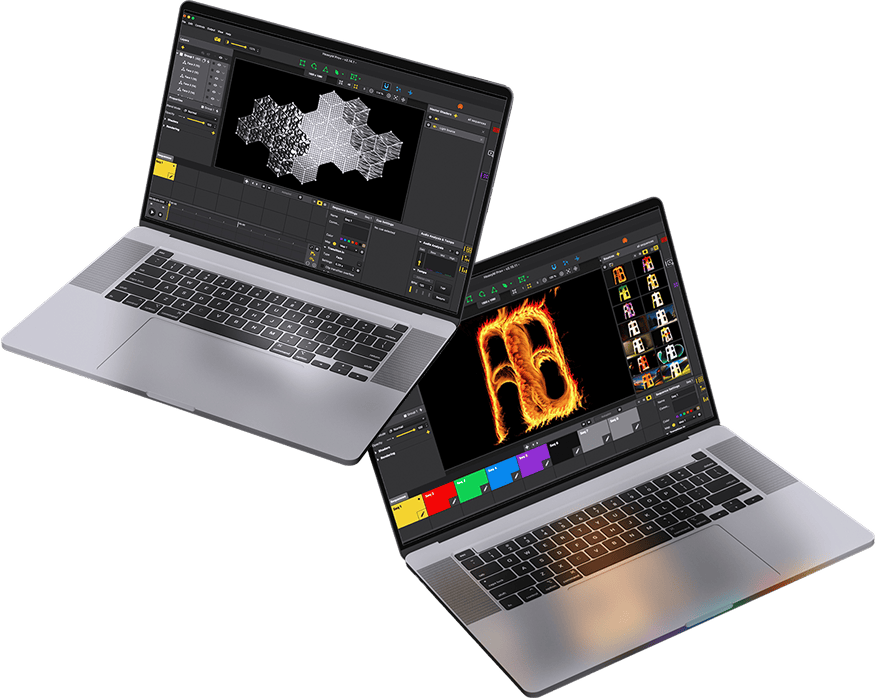
Our user-friendly software empowers you to craft powerful visuals effortlessly with just a few clicks. Perfect for dynamic, on-the-fly projections: Drag, Drop, and Dazzle !
Intuitive drawing tools
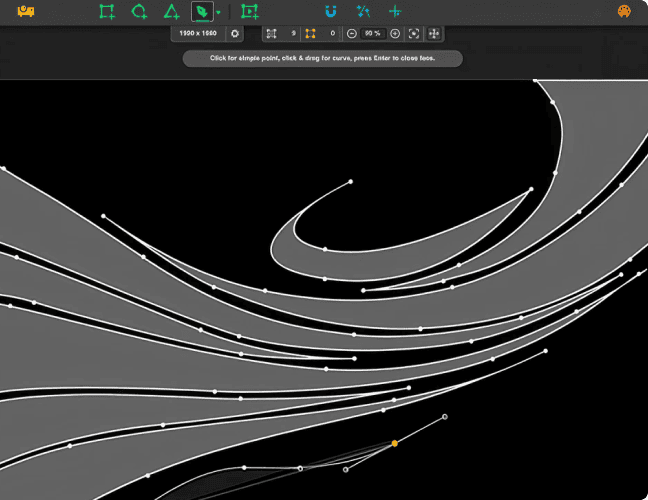
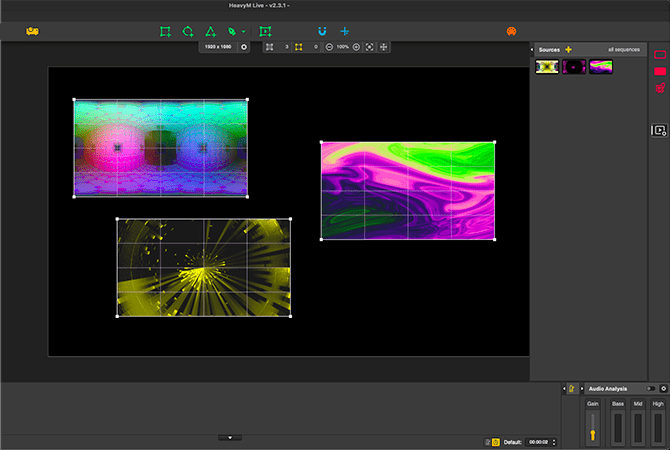
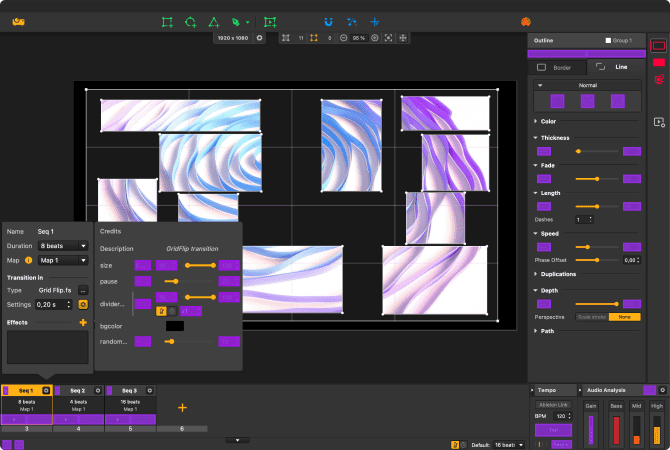
HeavyM offers intuitive drawing tools for quick and adaptable projection mapping. Choose from ready-made shapes or create complex designs effortlessly. Whether mapping in real-time or from a photo, HeavyM ensures a smooth, tailored experience, making it simpler than ever to realize your vision.
Create unique visuals with AI, without ever leaving HeavyM
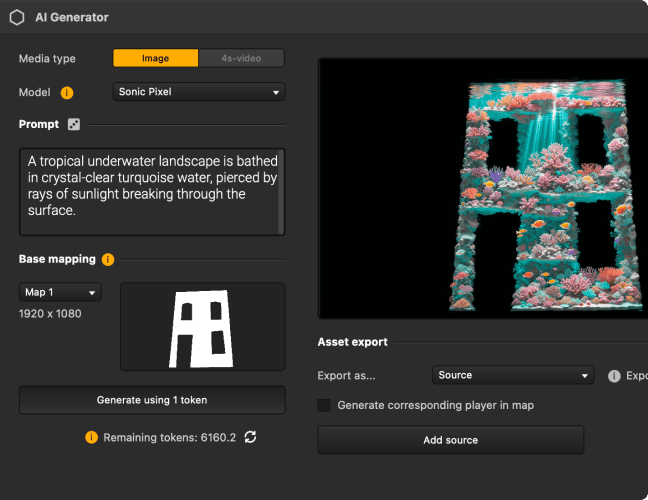
Generate images and videos from a prompt, from an existing image, or straight from your own ideas. Bring your creation into your project and turn it into mapping content in seconds.
New
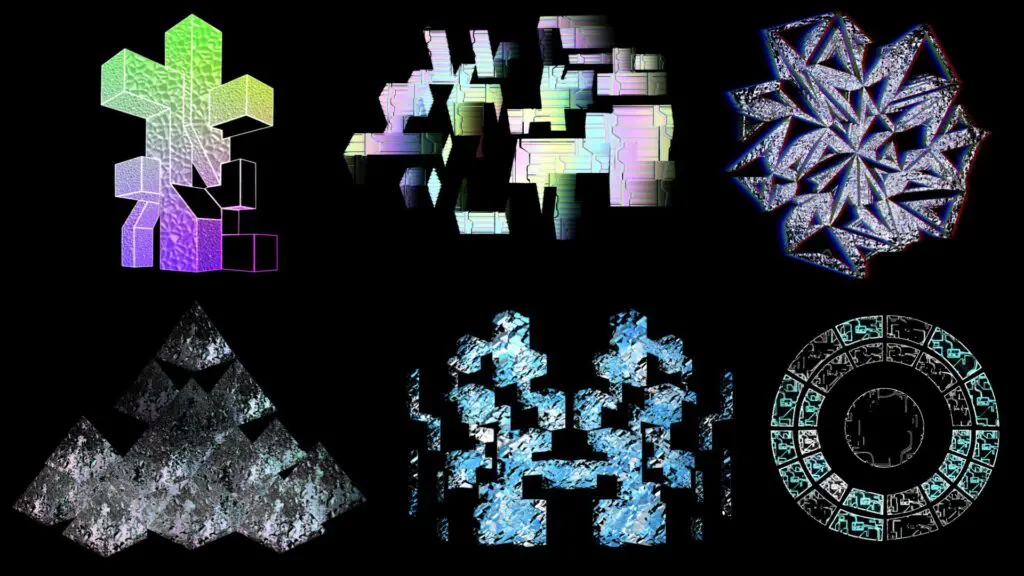
Realistic textures for projection mapping
We introduced a game-changing feature: 3D Materials. Metal, wood, glass… Shapes now behave like real objects, reacting to light and giving your creations a striking 3D look. Your projection mapping goes beyond flat visuals: every surface gains depth, realism, and impact.
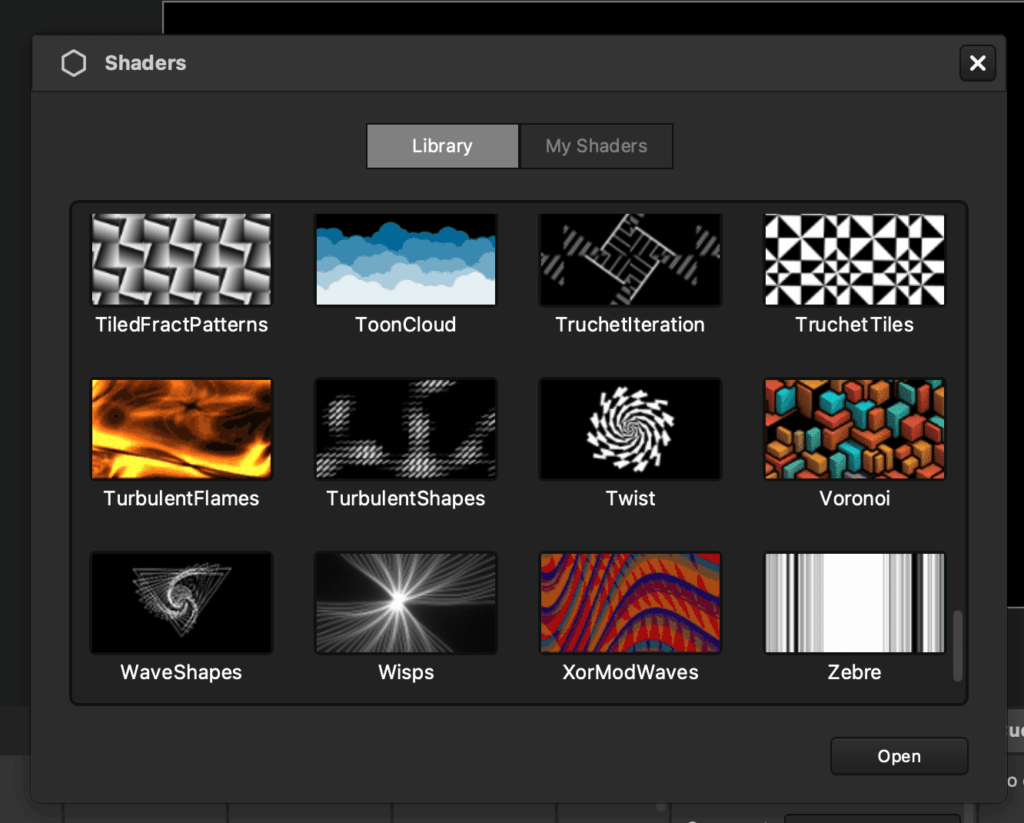
Integrated ready-to-use visual library
Streamline your projection mapping with HeavyM’s vast library of ready-to-use and generative visual effects. Eliminate the need for ground-up creation; our platform automates and simplifies the design process, allowing for endless, effortless customization of your projects.
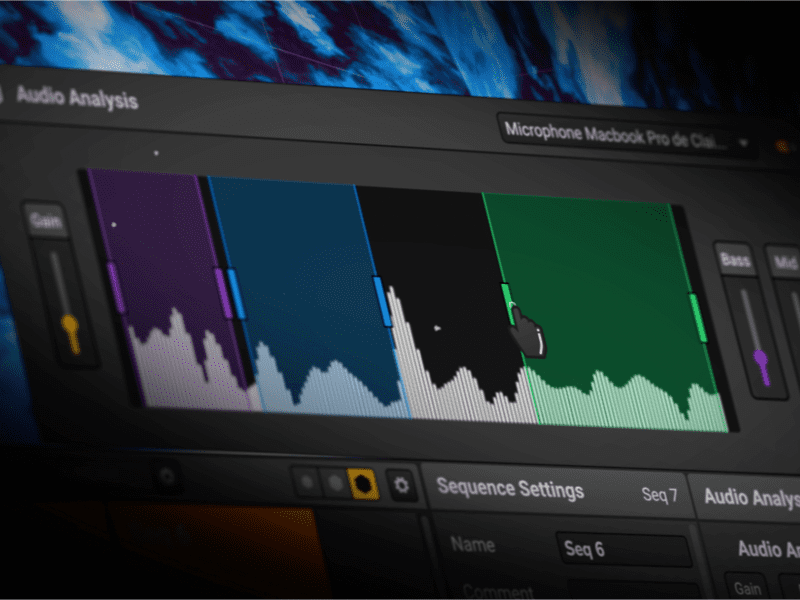
Sync your visuals to music with beat-reactive effects
Elevate your projection mapping with HeavyM’s sound analysis feature, allowing effects to pulse with the beat. Create dynamic, beat-reactive visuals that adapt seamlessly to the atmosphere, enhancing every performance or installation.
Discover the features and the services included in each offer.
HeavyM is available in 3 differents offers: LiveProPro+
Tailor-made for artists, music performers and A/V professionals
Already +80,000 users Worldwide
Artistic installation
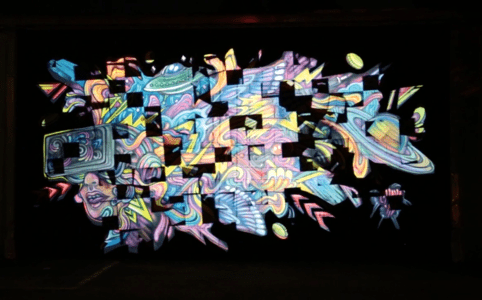
Mapping on graffiti
Interactive animation
Visuals that react to sensors
Stage decoration
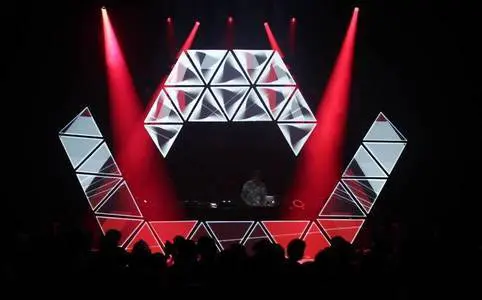
DJ booth design
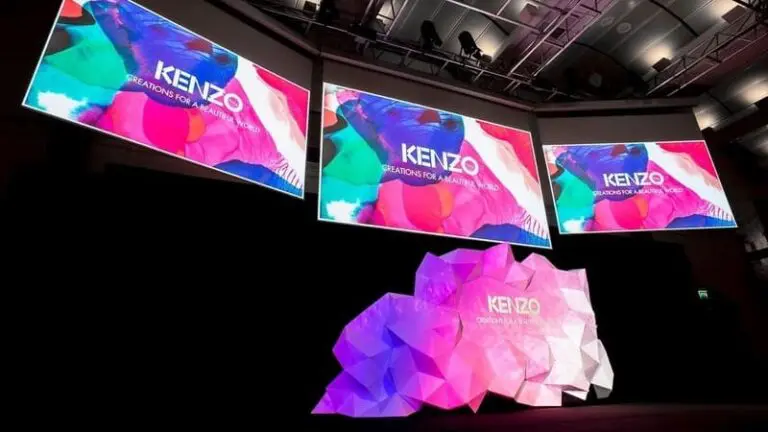
Corporate shows
Launch products conference
Permanent installation
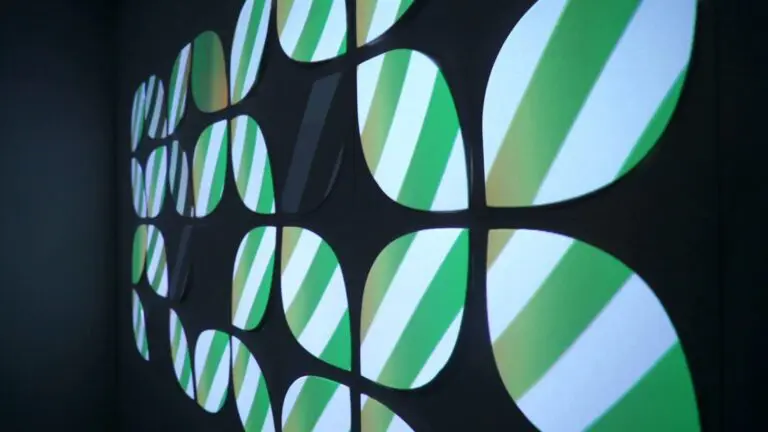
Walls in a bar
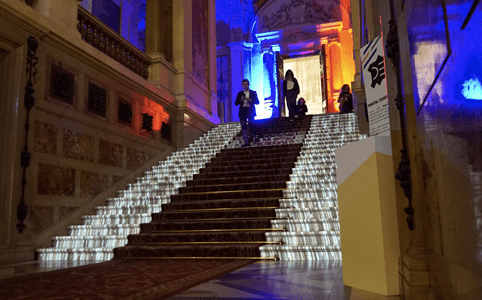
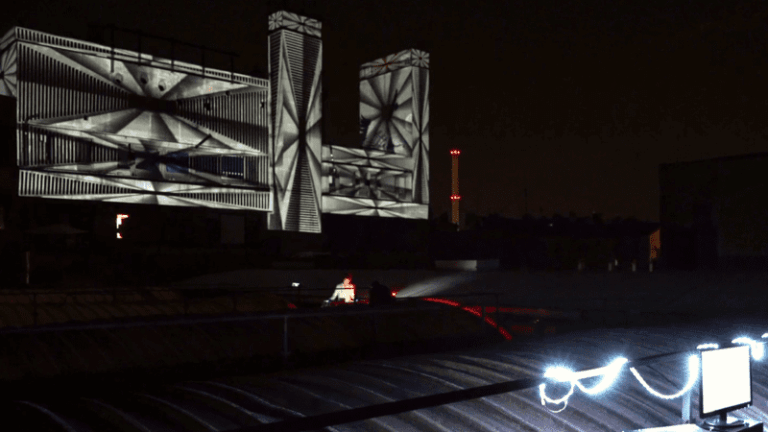
Building mapping
A 6 floors building projection
HeavyM community
Loved by artists and professionals
Romain Grd
Techno Party VJ
★★★★★
The perfect software to discover and understand the basics of video mapping. Quick learning, easy handling, immediate results. The software is constantly evolving to meet all my upcoming needs.
Paul Vivien
Digital Artist
★★★★★
Map everything you want, get HeavyM and a beamer and let your creativity flow. The possibilities are endless. You can make a solid projection mapping composition in a few minutes.
Arthur Devillers
Technical Director
★★★★★
The audio reactivity, MIDI control, and the ease of setup make HeavyM an essential tool for audiovisual installations! Its intuitiveness truly makes it stand out. I absolutely love it
Romain Grd
Techno Party VJ
★★★★★
The perfect software to discover and understand the basics of video mapping. Quick learning, easy handling, immediate results. The software is constantly evolving to meet all my upcoming needs.
Paul Vivien
Digital Artist
★★★★★
Map everything you want, get HeavyM and a beamer and let your creativity flow. The possibilities are endless. You can make a solid projection mapping composition in a few minutes.
Arthur Devillers
Technical Director
★★★★★
The audio reactivity, MIDI control, and the ease of setup make HeavyM an essential tool for audiovisual installations! Its intuitiveness truly makes it stand out. I absolutely love it
HeavyM has all the features you need
Projection mapping software available for Mac and Windows
01 CREATE
Manage several inputs at the same time
Create walls of images without difficulty. Import all your media into the software, organize them and then broadcast them at the same time. HeavyM is robust to handle your most ambitious projects. For each media, modify the playback options to obtain the desired result. Put the right content at the right place thanks to the ergonomic drawing tools.
Handle without constraints
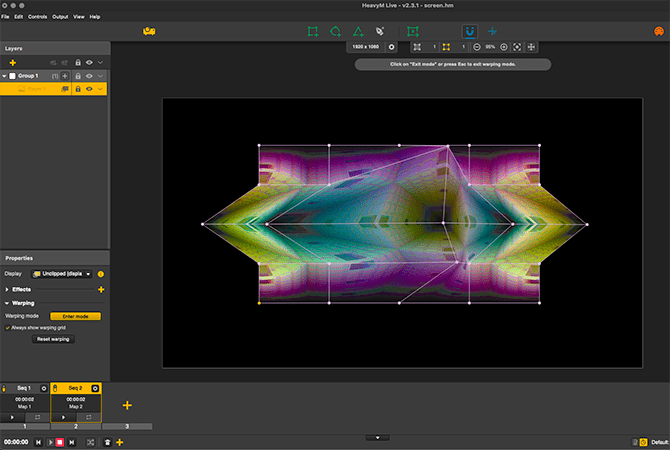
Sometimes you need to adapt your video to a 3D volume. Don’t spend hours and hours creating a video that fits perfectly on your volume. Instead, use HeavyM’s built-in warping tools to warp your video on the fly to fit your set or object . You’ll never think about projection the same way after you start using it.
Organize your project in sequences
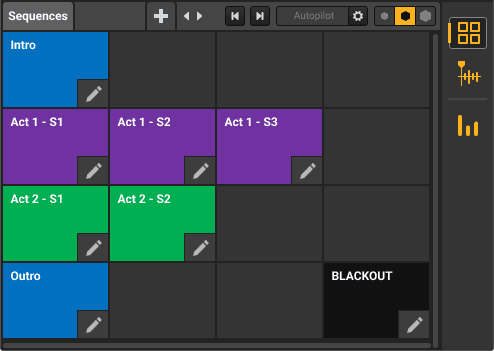
The HeavyM sequencer is a must. Organize your project in multiple sequences, combine them with beautiful transitions , activate them whenever you want, or schedule an entire performance with great precision. Create different patterns for each sequence and launch them with one click.
02 CONTROL
Add live video streams to your performances
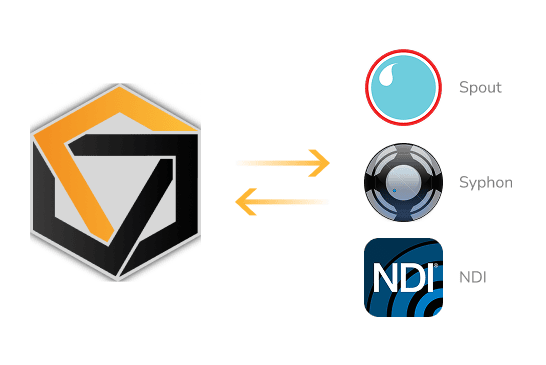
The software is compatible with Syphon/Spout/NDI to allow you to stream the output of HeavyM to other visuals programs such as OBS or Resolume.
Of course you can also stream the outputs of various compatible software into HeavyM. Multiply the graphic possibilities of your video jockey tools by combining them without limits.
MIDI/OSC/DMX controls
HeavyM software can be controlled live via different protocols: MIDI/OSC/DMX . Setting up the link to external controllers is done in a few clicks thanks to the interface-learning configuration. It only takes a few clicks to connect a tablet, a smartphone or a light console to your software for visuals. You can control the triggering of an effect or a sequence more easily than with a mouse. Your chow becomes a live performance.
Only with HeavyM Pro and Pro+
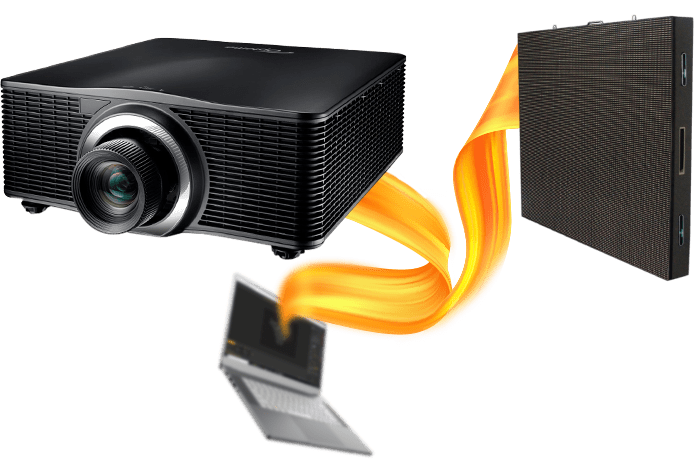
Multi-projection and edge-blending
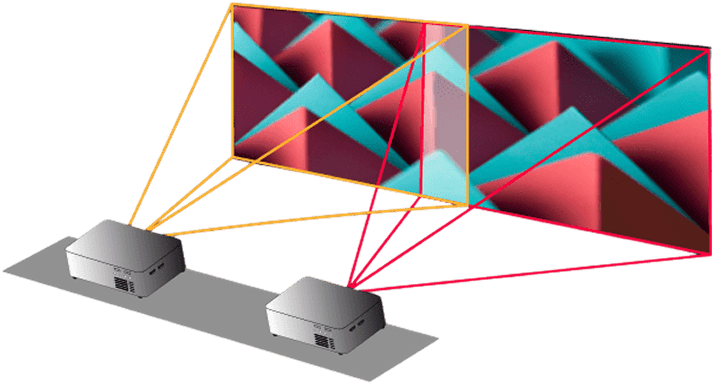
If one output is not enough for you, send the HeavyM output to several projectors and LED displays… as many as you want. Merge projectors with edge-blending features to broadcast your creations on a large scale. Create impressive projection mapping with several beamers with a few clicks.
Only with HeavyM Pro and Pro+
03 SCALE
Enhanced Automation for Effortless Creations
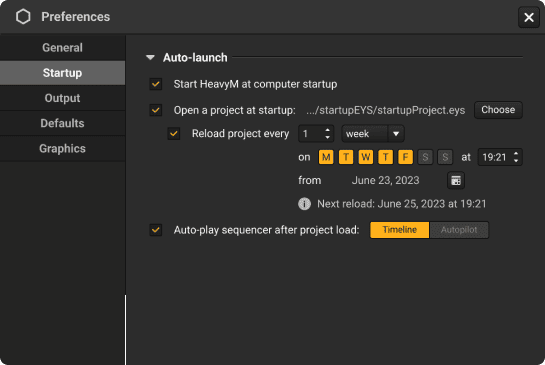
With HeavyM Pro+, we elevate user convenience to a whole new level. You have the ability to automate HeavyM to launch directly upon your computer startup, eliminating the need for manual initiation.
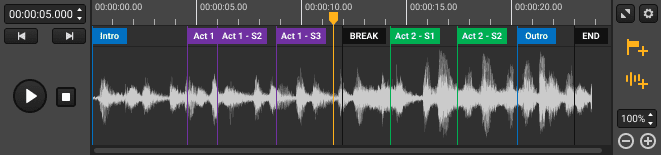
You can also set a specific project to open automatically at HeavyM’s startup, saving both time and effort. Furthermore, you can choose to have either the Timeline or Autopilot play automatically after your project loads.
Only with HeavyM Pro+
Export your creations to video files
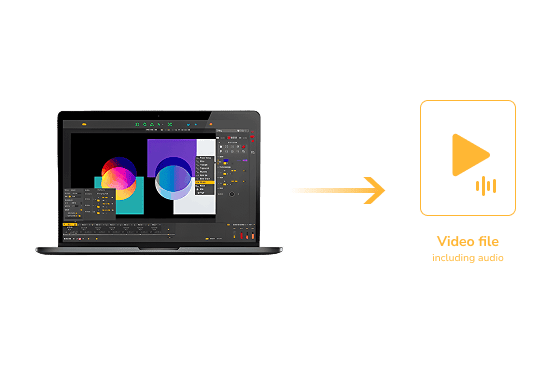
You want to run a permanent installation without leaving a computer on site? Simply export your project to a video file and place it in a media player. HeavyM can export high-quality .mov movie files, compatible with the most popular devices.
Only with HeavyM Pro+
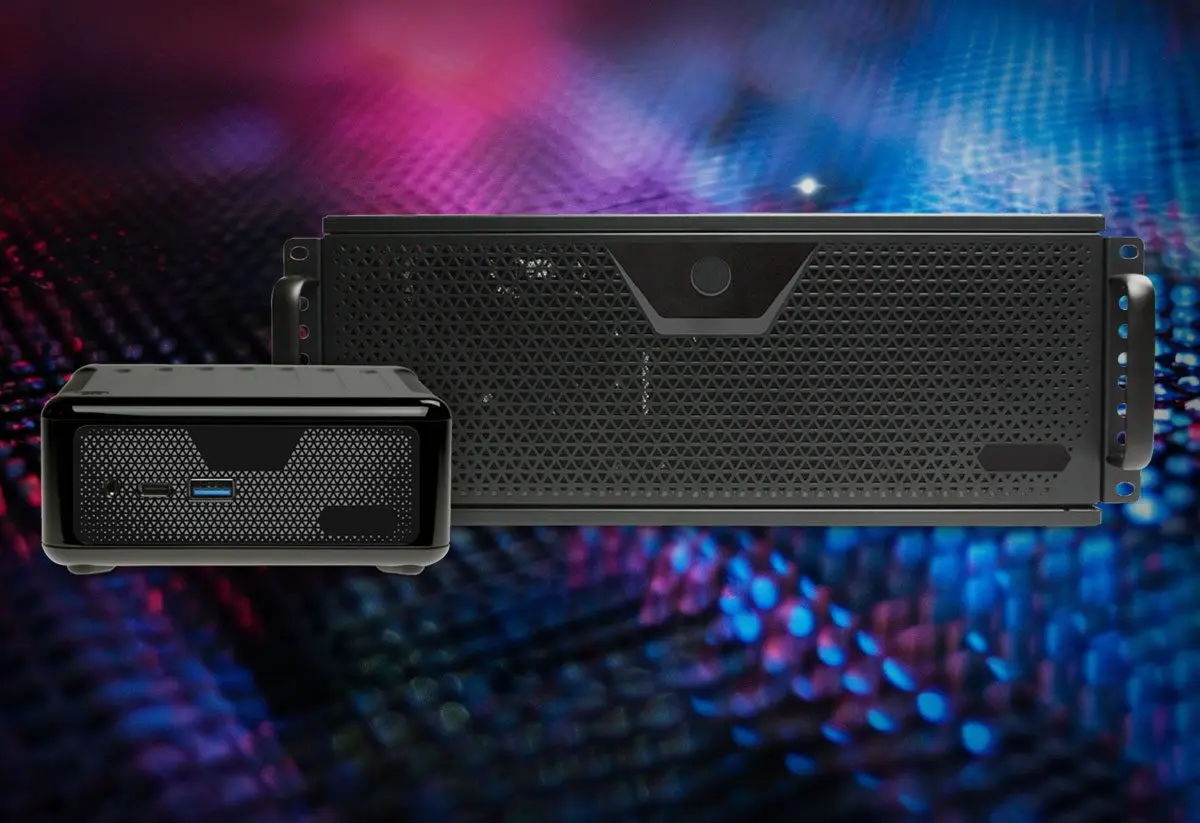
Unleash full potential with a dedicated Server
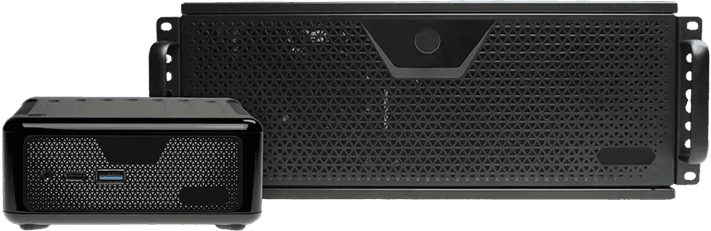
The Server hardware is your compact yet robust ally in delivering high-performance visuals. Harness the power of the latest components packed in a unit that’s designed for portability. It’s an optimal solution for projects ranging from live shows to synchronized multi-hardware installations.
With features such as remote control, automatic power on/off, and auto-restart during power outages, you can rely on the Server for seamless and impressive visual experiences.
Create walls of images without difficulty. Import all your media into the software, organize them and then broadcast them at the same time. HeavyM is robust to handle your most ambitious projects. For each media, modify the playback options to obtain the desired result. Put the right content at the right place thanks to the ergonomic drawing tools.
Handle without constraints
Sometimes you need to adapt your video to a 3D volume. Don’t spend hours and hours creating a video that fits perfectly on your volume. Instead, use HeavyM’s built-in warping tools to warp your video on the fly to fit your set or object . You’ll never think about projection the same way after you start using it.
Organize your project in sequences
The HeavyM sequencer is a must. Organize your project in multiple sequences, combine them with beautiful transitions , activate them whenever you want, or schedule an entire performance with great precision. Create different patterns for each sequence and launch them with one click.
CONTROL
Add live video streams to your performances
The software is compatible with Syphon/Spout/NDI to allow you to stream the output of HeavyM to other visuals programs such as OBS or Resolume.
Of course you can also stream the outputs of various compatible software into HeavyM. Multiply the graphic possibilities of your video jockey tools by combining them without limits.
MIDI/OSC/DMX controls
HeavyM software can be controlled live via different protocols: MIDI/OSC/DMX . Setting up the link to external controllers is done in a few clicks thanks to the interface-learning configuration. It only takes a few clicks to connect a tablet, a smartphone or a light console to your software for visuals. You can control the triggering of an effect or a sequence more easily than with a mouse. Your chow becomes a live performance.
Only with HeavyM Pro and Pro+
Multi-projection and edge-blending
If one output is not enough for you, send the HeavyM output to several projectors and LED displays… as many as you want. Merge projectors with edge-blending features to broadcast your creations on a large scale. Create impressive projection mapping with several beamers with a few clicks.
Only with HeavyM Pro and Pro+
SCALE
Enhanced Automation for Effortless Creations
With HeavyM Pro+, we elevate user convenience to a whole new level. You have the ability to automate HeavyM to launch directly upon your computer startup, eliminating the need for manual initiation.
You can also set a specific project to open automatically at HeavyM’s startup, saving both time and effort. Furthermore, you can choose to have either the Timeline or Autopilot play automatically after your project loads.
Only with HeavyM Pro+
Export your creations to video files
You want to run a permanent installation without leaving a computer on site? Simply export your project to a video file and place it in a media player. HeavyM can export high-quality .mov movie files, compatible with the most popular devices.
Only with HeavyM Pro+
Unleash full potential with a dedicated Server
The Server hardware is your compact yet robust ally in delivering high-performance visuals. Harness the power of the latest components packed in a unit that’s designed for portability. It’s an optimal solution for projects ranging from live shows to synchronized multi-hardware installations.
With features such as remote control, automatic power on/off, and auto-restart during power outages, you can rely on the Server for seamless and impressive visual experiences.
Compare features by edition
All access options (Rent-to-own, Perpetual) include the same features. Differences depend on the selected edition.
Features
Live
Pro
Pro+
Creative features
Drawing tools
✓
✓
✓
AI generation
✓
✓
✓
Visual effects and shaders
✓
✓
✓
Media playlists
✓
✓
✓
Music reactivity
✓
✓
✓
Timeline module
–
✓
✓
Input & Output
Number of outputs
1
Unlimited
Unlimited
Max resolution
1920 x 1200
8K
8K
Webcam
✓
✓
✓
Syphon & Spout
–
✓
✓
NDI
–
✓
✓
Edge-blending
–
✓
✓
Decklink In/Out
–
✓
✓
Video export
–
–
✓
Controls
MIDI control
✓
✓
✓
OSC learning & API
–
✓
✓
DMX input
–
✓
✓
Support
Community access
✓
✓
✓
Email support
48h
24h
12h
Premium support
–
–
✓
Extra backup seat
–
–
✓
Go ahead and try the demo version of HeavyM for free. Or opt for a paid version to have no limitations.
HeavyM works with most projectors that support standard video output. Performance depends on your setup and resolution.
When do I receive my license?
You receive your license instantly after purchase. It is automatically linked to your account.
Can I upgrade later?
Yes : with a one-time payment plan, you can upgrade at any time and only pay the price difference between plans. Upgrades are not available during a Rent-to-own plan.
What’s the difference between Pay once and Rent-to-own?
Pay once: One-time payment, perpetual license. Includes 1 year of free updates. Rent-to-own: Pay monthly for 6 months. Includes all updates during the period, then you own the license.
What happens after I complete my Rent-to-own plan?
After completing all payments, you fully own your license. No further payments are required.
Can I cancel my Rent-to-own plan?
Yes. You lose access while cancelled, but you can resume later without losing your progress toward ownership.
What happens if I miss a payment?
We retry automatically. After several failed attempts, access is suspended until payment resumes.
Do I get updates during Rent-to-own?
Yes, during the whole plan. Once the license is yours, updates can be extended (paid extension).
In need of more details? Our full FAQ section is only a click away. Find all the insights you might need about HeavyM to ensure a seamless experience. Remember, we’re here to support you!
We use cookies on our website to give you the most relevant experience by remembering your preferences and repeat visits. By clicking “Accept”, you consent to the use of ALL the cookies.
This website uses cookies to improve your experience while you navigate through the website. Out of these, the cookies that are categorized as necessary are stored on your browser as they are essential for the working of basic functionalities of the website. We also use third-party cookies that help us analyze and understand how you use this website. These cookies will be stored in your browser only with your consent. You also have the option to opt-out of these cookies. But opting out of some of these cookies may affect your browsing experience.
Necessary cookies are absolutely essential for the website to function properly. These cookies ensure basic functionalities and security features of the website, anonymously.
Cookie
Durée
Description
cookielawinfo-checbox-analytics
11 months
This cookie is set by GDPR Cookie Consent plugin. The cookie is used to store the user consent for the cookies in the category "Analytics".
cookielawinfo-checbox-functional
11 months
The cookie is set by GDPR cookie consent to record the user consent for the cookies in the category "Functional".
cookielawinfo-checbox-others
11 months
This cookie is set by GDPR Cookie Consent plugin. The cookie is used to store the user consent for the cookies in the category "Other.
cookielawinfo-checkbox-necessary
11 months
This cookie is set by GDPR Cookie Consent plugin. The cookies is used to store the user consent for the cookies in the category "Necessary".
cookielawinfo-checkbox-performance
11 months
This cookie is set by GDPR Cookie Consent plugin. The cookie is used to store the user consent for the cookies in the category "Performance".
viewed_cookie_policy
11 months
The cookie is set by the GDPR Cookie Consent plugin and is used to store whether or not user has consented to the use of cookies. It does not store any personal data.
Functional cookies help to perform certain functionalities like sharing the content of the website on social media platforms, collect feedbacks, and other third-party features.
Performance cookies are used to understand and analyze the key performance indexes of the website which helps in delivering a better user experience for the visitors.
Analytical cookies are used to understand how visitors interact with the website. These cookies help provide information on metrics the number of visitors, bounce rate, traffic source, etc.
Advertisement cookies are used to provide visitors with relevant ads and marketing campaigns. These cookies track visitors across websites and collect information to provide customized ads.