





HeavyM and Lightform share strong common values and our philosophies are not so far apart. We want to provide artists around the world with a fast and easy way to create video mapping experiences.
Lightform‘s promise: Allowing you to create projection mapping in a quick and easy way thanks to a clean interface.
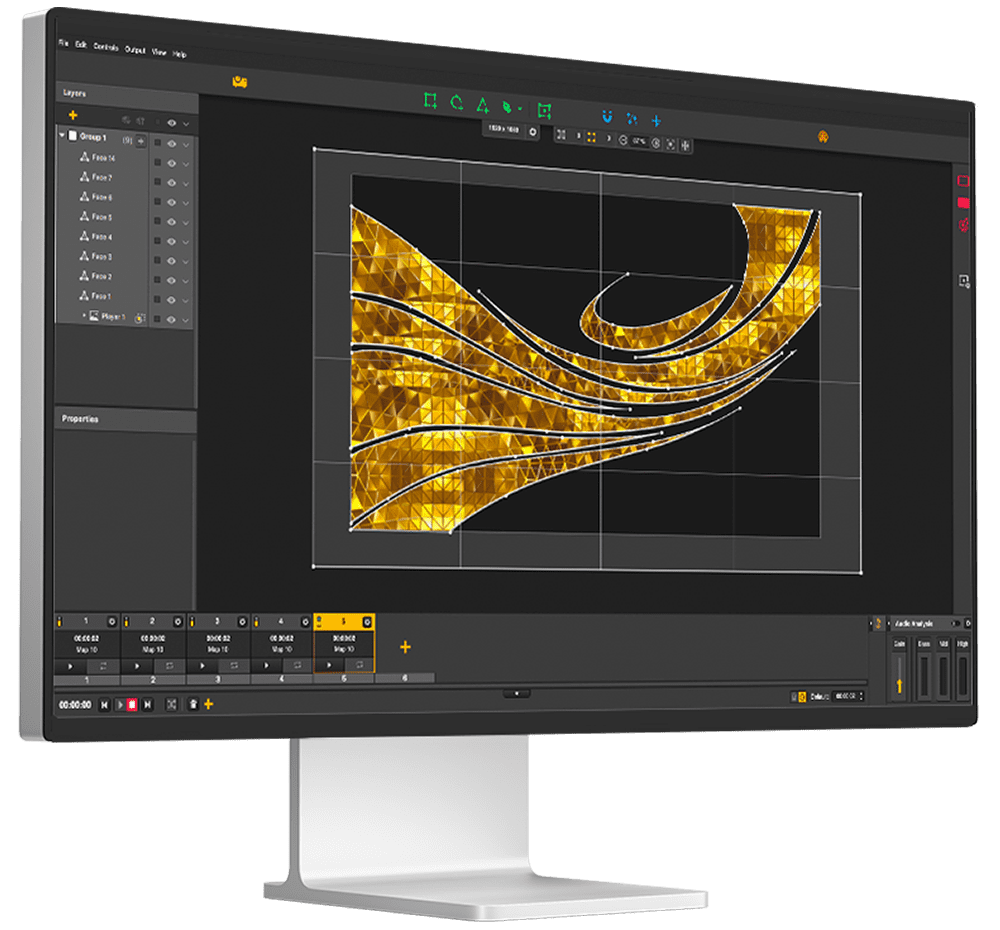
HeavyM’s software interface shares similarities with Lightform’s and was designed by expert designers. You won’t be lost!
Lightform’s key aspect was the ability to adapt the visuals to the mappings..
… And HeavyM provides the same innovation. A huge library of various visual content to create your projects: textures, border effects, fills and many more..!
There is no rendering time, everything is done live. You build your show in a fluid and consistent way.
Import your videos, images and gifs directly into the software. HeavyM supports a wide range of formats. In one click, the software will perfectly adapt your content to the setting you want to map. No preparation of the media is necessary beforehand. The process is fast and does not require any technical skills. Magic!
Since 2014, HeavyM strives to provide a reliable creative tool to allow thousands of artists to not only start mapping but also become experts by offering a wide range of features.
Join a worldwide community of 90,000 delighted users
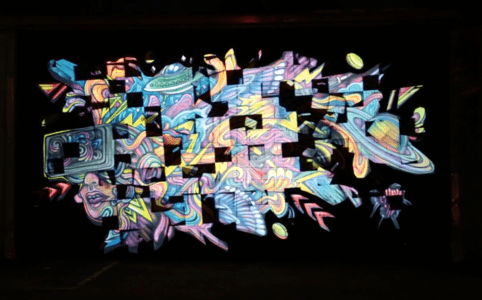
Mapping on graffiti
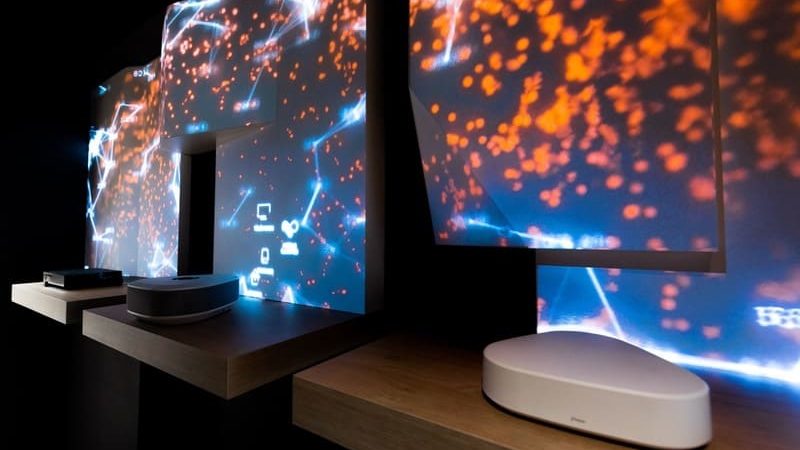
Visuals that react to sensors
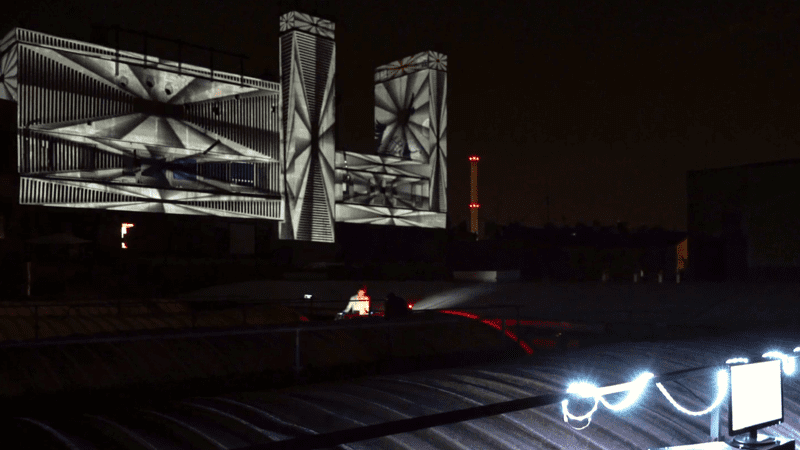
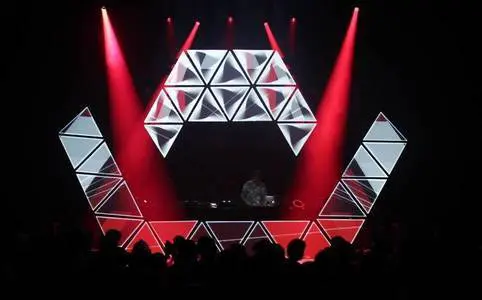
DJ booth design
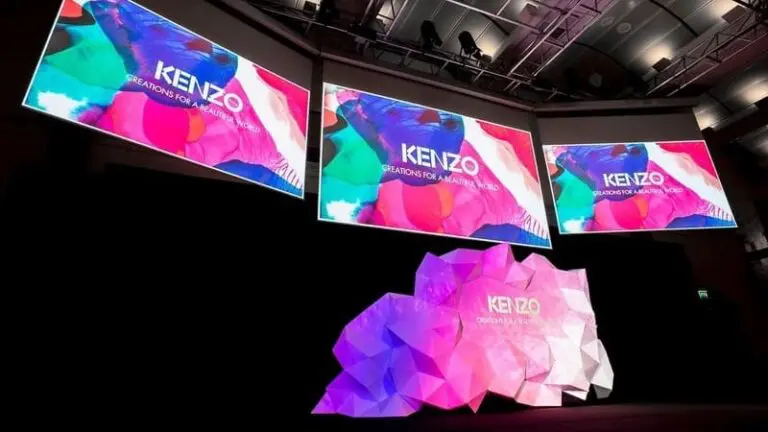
Launch products conference
Walls in a bar
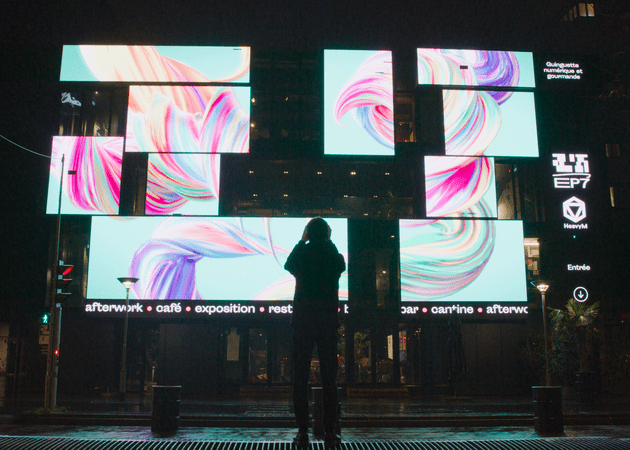
Highlight products in a shop
Operating system
Windows: 8, 10 and 11 (64 bits)
macOS: From 10.13 to now
HeavyM 2 is fully compatible with Apple M1 chips by using the Rosetta 2 program.
Minimum
Intel Core I5 2.30GHz, 4 Cores
4GB of RAM
Dedicated graphics card (Nvidia / AMD) with 2GB of VRAM
500MB of free disk space
Recommended
Intel Core I5 2.30GHz, 4 Cores
8GB of RAM
NVIDIA GTX 1060 / AMD RX580 or better
500MB of free disk space
Video/photo format
mp4, mov, png, jpeg
Video codecs
AppleProRes, H264, H265
Control protocols
MIDI, OSC, Keyboard
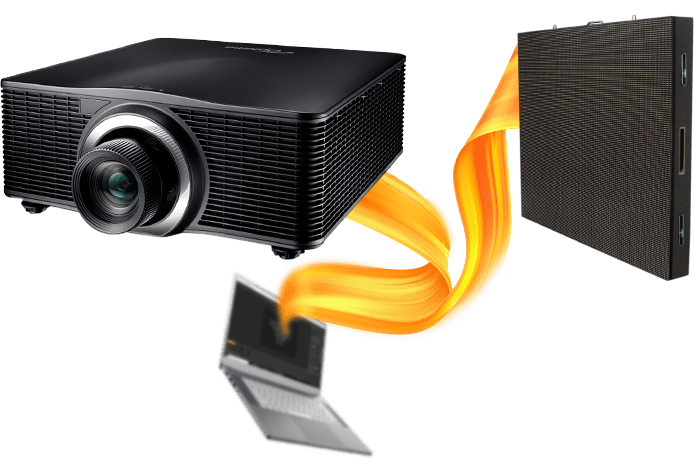
HeavyM is compatible with all VGA, DVI and HDMI projectors. You can also use any LED screens.
Yes! To help you make your choice you are offered a demo of HeavyM Pro. In this Demo mode, you’ll get a watermark on the output, and the save/load is disable, but all the features of HeavyM are unlocked, so you can discover them and test the full potential of the software.
No credit card is needed. We just need an email address to send you the download link. We’ll never share your email address!
We have chosen to propose a manual mapping process. So yes, Lightform’s scanning solution may be faster but we find it sometimes inaccurate. It is not uncommon for the scan to fail or for the areas to be incorrectly delineated. With HeavyM’s manual solution, you spend more time but you are 100% sure that the mapping will be perfect.
Yes, absolutely! HeavyM is compatible with all video projectors on the market. So you can choose the right projector for your project every time.
The software can be installed on a Windows or Mac computer, the versions are totally similar.
We have created free learning materials suitable for both beginners and advanced users. Just after downloading, you will receive an explanatory video to teach you all the basics of the software.
A real-time chat (in the lower left corner) is available to ask all your questions to our sales team. The chat is open from 10am to 8pm (GMT+2) on weekdays.
| Cookie | Durée | Description |
|---|---|---|
| cookielawinfo-checbox-analytics | 11 months | This cookie is set by GDPR Cookie Consent plugin. The cookie is used to store the user consent for the cookies in the category "Analytics". |
| cookielawinfo-checbox-functional | 11 months | The cookie is set by GDPR cookie consent to record the user consent for the cookies in the category "Functional". |
| cookielawinfo-checbox-others | 11 months | This cookie is set by GDPR Cookie Consent plugin. The cookie is used to store the user consent for the cookies in the category "Other. |
| cookielawinfo-checkbox-necessary | 11 months | This cookie is set by GDPR Cookie Consent plugin. The cookies is used to store the user consent for the cookies in the category "Necessary". |
| cookielawinfo-checkbox-performance | 11 months | This cookie is set by GDPR Cookie Consent plugin. The cookie is used to store the user consent for the cookies in the category "Performance". |
| viewed_cookie_policy | 11 months | The cookie is set by the GDPR Cookie Consent plugin and is used to store whether or not user has consented to the use of cookies. It does not store any personal data. |