Wondering what you’ll gain from a video mapping course? A video mapping course teaches you how to project videos onto various surfaces, turning them into engaging visual displays. This article covers everything you’ll learn, from the basics of projection mapping to advanced techniques and the essential tools you’ll need.
Aspiring artists must understand the basics of video mapping. You’ll learn about the essential tools and software required to bring your creative visions to life. From projection principles to the intricacies of different projectors, this foundation will set the stage for more advanced techniques.
At its core, projection mapping involves the projection of videos or laser images onto objects, transforming them into dynamic displays. There are two primary types of projection mapping: 2D and 3D. While 2D projection mapping focuses on creating flat shapes filled with content, 3D projection mapping aligns textured digital models with real-world objects, enhancing viewer engagement through depth and spatial dynamics.
The shift from 2D to 3D projection mapping adds a new dimension to your projects, quite literally. Incorporating depth and spatial dynamics in 3D projection mapping captivates audiences and provides a more immersive experience. This section will equip you with the knowledge to distinguish between these techniques and apply them effectively in your work.
Excelling in video mapping requires the right tools and software. DaVinci Resolve, a popular choice among professionals, offers robust video editing and color grading capabilities. Lumiverse, a web-based software bundled with certain projectors, facilitates real-time mapping and supports various media formats. These tools will be your primary companions in creating stunning visual content.
For those just starting, many free software options cater to different user levels. Open-source tools like Blender and free options like DaVinci Resolve provide an excellent starting point for beginners, offering powerful features without the financial commitment. This section will guide you through the essential tools and how to leverage them effectively.
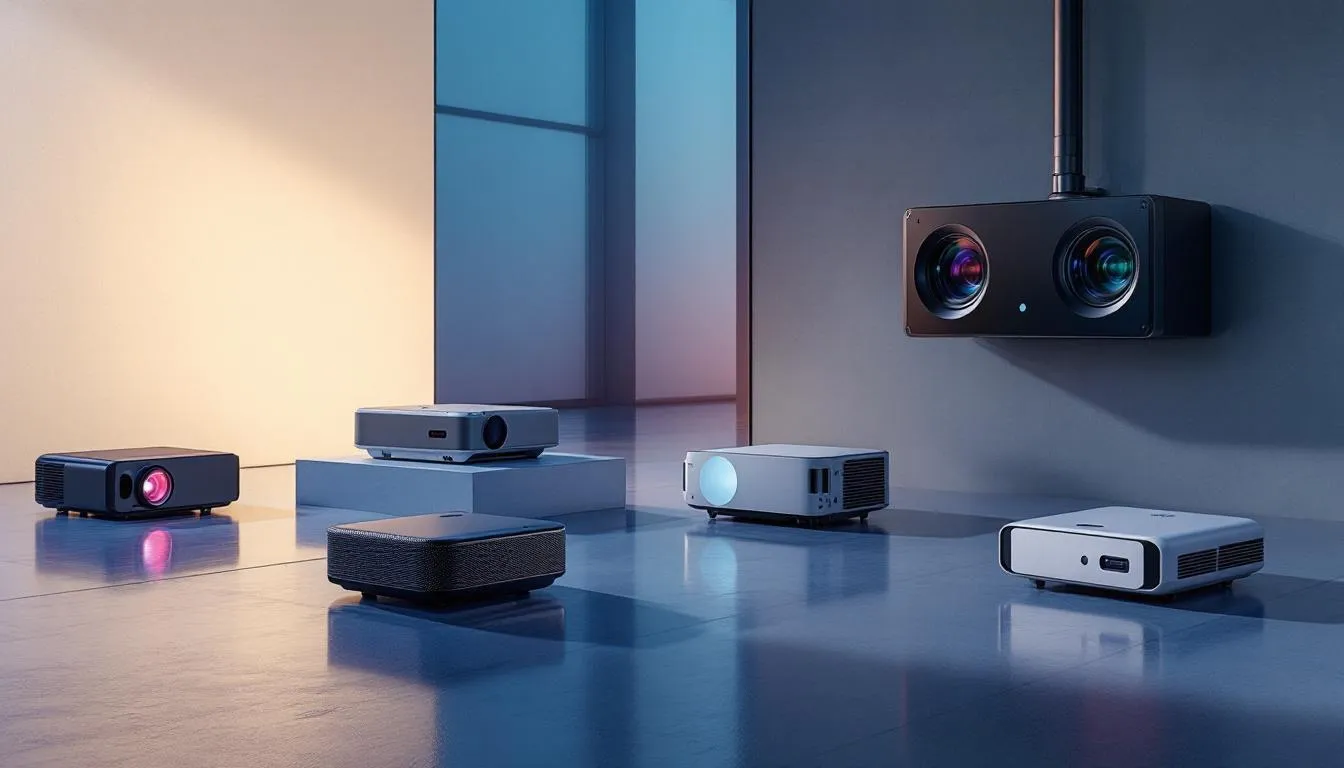
Different types of projectors suitable for video mapping, including various models and setups.
Laser projectors are often preferred for their higher brightness levels and longer lifespans compared to traditional lamp-based models. These features will guide you in making informed decisions and selecting the best projector for your needs.
Different types of projectors offer various benefits for video mapping applications. DLP projectors are known for delivering bright and vivid images but may exhibit a ‘rainbow effect’ for some viewers. On the other hand, LCD projectors are praised for their excellent color reproduction and sharpness, making them suitable for a wide range of applications.
Proper projector placement is essential to minimize distortions and maintain image clarity. Correct keystone correction is crucial when projectors are not aligned perpendicularly to the surface, ensuring the projected image remains undistorted. Lens shift features allow adjustments to the projected image without relocating the projector, providing setup flexibility.
Knowing the properties of the projection surface, including its texture and dimensions, is crucial for achieving a clear and distortion-free projection. Digital mapping tools enable precise warping and alignment of video content to match the irregularities of the projection surface, ensuring a flawless visual display.
For home settings, compact projectors with versatile mounting options make it easier to adapt professional video mapping techniques effectively.
Mastering video mapping techniques is key to creating captivating visual displays. Advanced courses cover complex topics such as creating projections in 3D and controlling video devices through a network. Practical sessions guide participants through the video projection workflow, ensuring they gain hands-on experience and confidence in their skills.
High-resolution video content is essential for impactful projections, significantly improving clarity and visual appeal. Techniques used for residential projection mapping include mapping the house and content mapping, which involves designing visuals that align with the specific projection surface.
To initiate a personalized video mapping project, start by scanning the target object to create an accurate digital model that serves as the canvas for your content. Employing these mapping techniques will help you create seamless and immersive visual experiences.
Video mapping, also known as projection mapping, has become a transformative technique across a wide range of industries. By projecting videos and images onto unexpected surfaces, creators can turn ordinary spaces into extraordinary visual experiences. This technique is widely used to create immersive effects that captivate audiences with vibrant color, dynamic movement, and interactive elements. In the entertainment world, video mapping is a staple for concerts, theater productions, and theme park attractions, where it brings stages, buildings, and even entire landscapes to life. Media artists use projection mapping to craft unforgettable moments, blending art and technology in ways that were once unimaginable.
The versatility of video mapping extends far beyond entertainment. In advertising, brands use video mapping to create eye-catching displays for product launches and promotional events, making their ads stand out in a crowded marketplace. Educational institutions are embracing video mapping to design interactive lessons and immersive learning environments, helping students engage with content in new and exciting ways. Architects and designers use video mapping to visualize and present their concepts, allowing clients to experience a building’s design before it’s constructed. For new media artists, free software options make it easier than ever to create professional-quality video mapping projects, opening up new ways to use this technology regardless of budget or experience level.
Some of the most inspiring video mapping projects showcase the limitless creativity of media artists. For example, transforming a building’s facade with projection mapping can turn it into a living canvas, drawing crowds with stunning visuals that shift and change in real time. In theater, video mapping is used to create interactive sets that respond to actors’ movements, adding depth and excitement to live performances. Many artists rely on Adobe After Effects to design complex video mapping projects, layering video, audio, and special effects to produce truly immersive experiences. These projects highlight how projection mapping can be used to create unique elements and effects, pushing the boundaries of what’s possible with video and projection technology.
A collection of advanced courses and tutorials related to video mapping.
Advanced courses in video mapping are designed for individuals with prior experience in live video or theater, ensuring they can handle more complex concepts. Being part of a community offers invaluable networking opportunities, allowing artists to connect with peers and enhance their skills.
This section will highlight the key elements of advanced courses and tutorials, providing insights to explain what you can expect and how they can benefit your video mapping journey.
Preview lessons are often included in advanced video mapping courses to give potential students a taste of the curriculum. These lessons allow learners to evaluate the course content and teaching style, helping them make informed decisions before enrollment.
Preview lessons emphasize core techniques and essential tools, showcasing introductory topics and software tutorials to enhance learning and review engagement for the teacher.
Exclusive tutorials may focus on innovative techniques for interactive projections and audiovisual installations, providing advanced insights for aspiring artists. Some tutorials offer an ads-free experience to enhance learning without distractions, making the learning process more enjoyable and effective.
Experienced professionals can significantly shorten the learning curve for aspiring projection mapping artists, accelerating progress and skill development.
Learning video mapping doesn’t have to strain your wallet. There are numerous free resources available that can help beginners start their video mapping projects without financial commitment. Free resources can significantly enhance your initial learning experience and reduce entry barriers in video mapping.
Exploring preview content can provide insight into advanced techniques and inspire your own creative projects, giving you a glimpse of what lies ahead in your video mapping journey.
MapMap provides a user-friendly interface that allows users to manipulate various media formats for projection mapping, supporting a quick learning curve. Beginners are encouraged to explore these free software options to gain hands-on experience in video mapping techniques.
Free previews are available for advanced courses, allowing potential students to evaluate the content and teaching style before committing. These previews offer a valuable opportunity to learn and get inspired without any financial commitment.
Creating custom video mapping projects allows you to tailor visuals to fit various spaces, enhancing the viewer’s experience through personalized content. Whether it’s an art installation, a live event, or a home setup, custom projects can significantly impact how your audience perceives and interacts with your work.
Projector selection is crucial for residential projection mapping, ensuring the visuals align perfectly with the chosen surfaces and the ambiance of the space. Understanding and implementing these principles will help you create compelling visual displays that resonate with your audience.
To effectively implement video mapping at home, you should choose the right projection surface, as it is crucial to have a solid plan. This idea can range from walls to furniture, each offering unique possibilities for creative expression.
Adapting professional techniques for home access use can transform everyday environments to add mesmerizing visual save ad experiences in a new way.
Incorporating interactive elements into your video mapping displays can significantly increase viewer engagement and create memorable experiences. Techniques such as quizzes, calls to action, and real-time audience feedback can make your displays more dynamic and participatory.
Engaging your audience isn’t just about the visuals; it’s about creating an adventure that involves their active participation. Understanding these techniques will enable you to design video mapping projects that captivate and involve your audience on a deeper level.
While video mapping can be a complex and resource-intensive process, there are effective ways to save both time and money without sacrificing quality. By adopting smart techniques and leveraging budget-friendly tools, media artists and creators can streamline their workflow and make the most of their resources. Whether you’re working on a large-scale installation or a home project, these strategies can help you create impressive video mapping displays efficiently and affordably.
Online courses and tutorials are another valuable resource, offering step-by-step guidance on how to use tools like Adobe After Effects to create professional video mapping effects. By learning new techniques through these courses, you can expand your skill set and discover more efficient ways to bring your ideas to life. Efficient use of projectors and other equipment—such as optimizing placement and settings—can further reduce costs and save valuable time during setup. With the right approach, video mapping becomes an accessible and cost-effective way to create engaging, interactive experiences that leave a lasting impression.
The video mapping community offers invaluable support and resources for a new media artist. Engaging with fellow artists through online forums and groups can provide inspiration, advice, and collaboration opportunities, enhancing your skills and projects.
Joining online forums and groups is crucial for media artists to connect and share ideas. These communities offer valuable support, enabling artists to learn from each other’s experiences and challenges. Engaging actively in these discussions promotes collaboration and growth within the media arts field.
Accessing expert guidance is a significant advantage these forums provide, as industry professionals can offer insights and advice that can help you navigate the complexities of video mapping. By participating in these communities, you can gain the knowledge and support needed to advance your skills.
Experienced professionals like Brandt Krueger can help you navigate challenges and optimize your projects, offering personalized advice and troubleshooting support. By leveraging their expertise, you can elevate the quality and impact of your video mapping work.
Personalized coaching offers numerous benefits, including tailored advice, troubleshooting, and equipment recommendations. Whether you’re a beginner or an artist planning large-scale projects, 1-on-1 coaching can accelerate your learning and help you achieve your goals.
HeavyM coaching sessions, for example, provide a structured format that includes detailed guidance, practical tips, and hands-on support. Taking advantage of these resources can significantly boost your skills, enabling you to create more impactful video mapping projects.
In summary, mastering video mapping requires a solid understanding of the fundamentals, the right tools, and techniques, and the support of a vibrant community. From choosing the right projectors to creating engaging content and seeking expert guidance, each step plays a crucial role in your journey. Embrace the possibilities, experiment with the techniques, and let your creativity shine. The world of video mapping is waiting for you to leave your mark.
Projection mapping is a design technique that utilizes video or laser projections to create dynamic visual effects on irregular surfaces, such as buildings and sculptures. This innovative method transforms ordinary spaces into immersive experiences.
To choose the right projector for your video mapping project, prioritize brightness measured in lumens, as it affects visibility in different lighting conditions. Additionally, consider the type of projector, such as DLP or LCD, based on your specific venue needs. This ensures optimal performance and quality in your projections.
To create engaging video mapping projects, focus on high-contrast and bold visuals, utilize high-resolution video, and integrate interactive elements such as quizzes and real-time feedback to enhance the audience’s experience. These techniques will significantly increase viewer engagement.
To enhance your video mapping journey, engage with online forums and seek guidance from experts like Brandt Krueger, along with personalized coaching sessions for targeted support. This approach will significantly improve your skills and knowledge in the field.