

AI Projection Mapping: How AI Is Transforming Workflows
TL;DR: Artificial intelligence is revolutionizing projection mapping in 2026 by automating complex tasks like surface calibration, mask creation, and visual generation. For professionals and beginners alike, AI-assisted workflows save hours of setup time. HeavyM integrates these smart tools, making professional video mapping faster and more accessible than ever.
Key Takeaways
- AI projection mapping combines classic video mapping with generative AI and smart automation, enabling visuals to be created, adapted, or remixed on demand.
- AI dramatically speeds up content creation—what once took weeks of 3D modeling and compositing can now happen in hours or days using prompt-based generation.
- The technical barrier has dropped significantly, making projection mapping accessible for home decorators, VJs, small venues, and event designers.
- Modern AI tools handle edge detection, surface alignment, and resolution upscaling, so creators can focus on creativity rather than technical calibration.
- HeavyM offers an intuitive way to experience this revolution with built-in AI tools and a free trial for your next project.
What Is AI Projection Mapping?
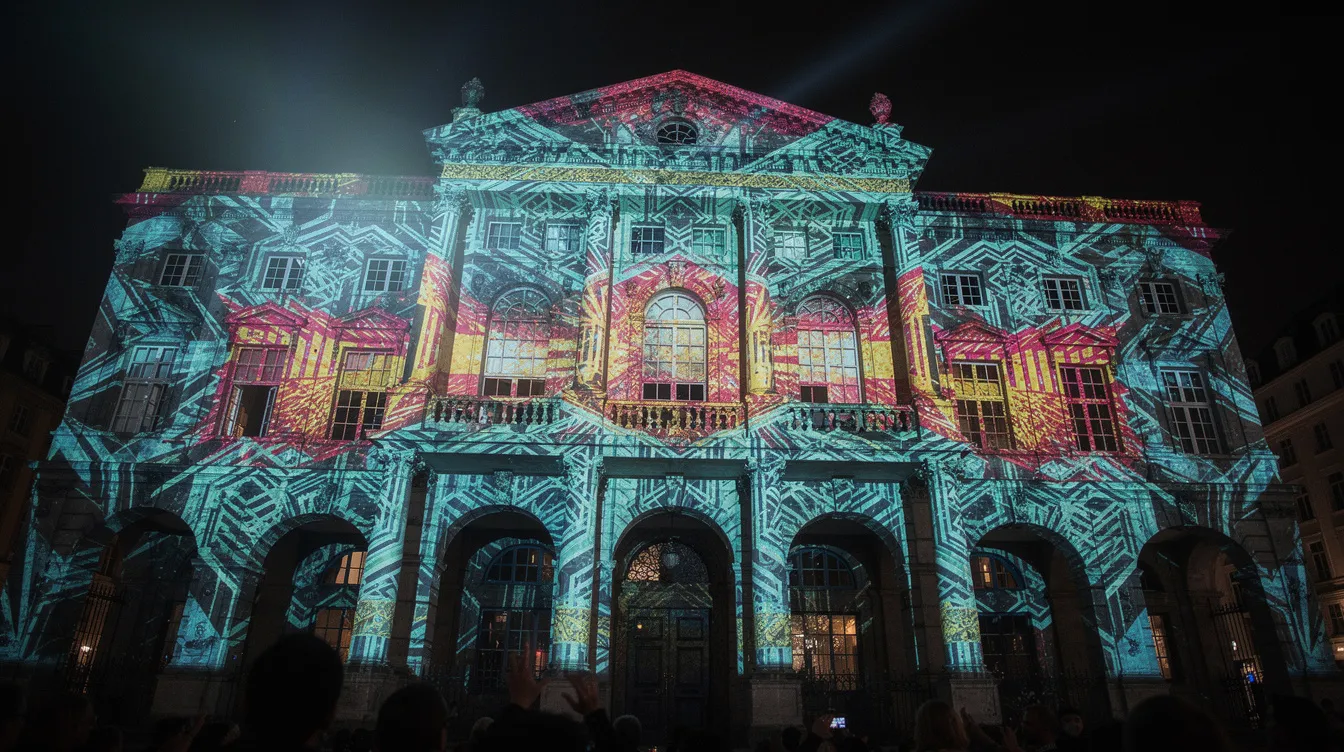
Classical projection mapping uses pre-rendered videos precisely aligned to physical surfaces—buildings, stages, objects—so every architectural detail becomes part of the projected visuals. Artists traditionally spent weeks on 3D modeling, photogrammetry, and frame-by-frame animation to match windows, doors, and cornices with pixel-perfect accuracy.
AI projection mapping upgrades this process by adding generative AI capabilities, intelligent automation, and adaptive content pipelines. Instead of creating every texture and animation manually, creators can now describe what they want through text prompts and receive dozens of façade-ready images in minutes. The technology allows visuals to be generated, adapted, and remixed on demand—responding to last-minute changes, seasonal themes, or even real-time audience input.
Concrete examples bring this to life. Halloween façades transform ordinary homes into haunted mansions using AI-generated motifs. Christmas storefronts feature generative snowfall and glowing wreaths matched to store architecture. Immersive bar walls react to music with AI-driven visuals. Major festivals like “Enchanted Solstice – Let’s Glow SF 2024” blend dance performances with AI workflows including video generation pipelines, creating city-scale spectacles that would have been impossible with traditional methods alone.
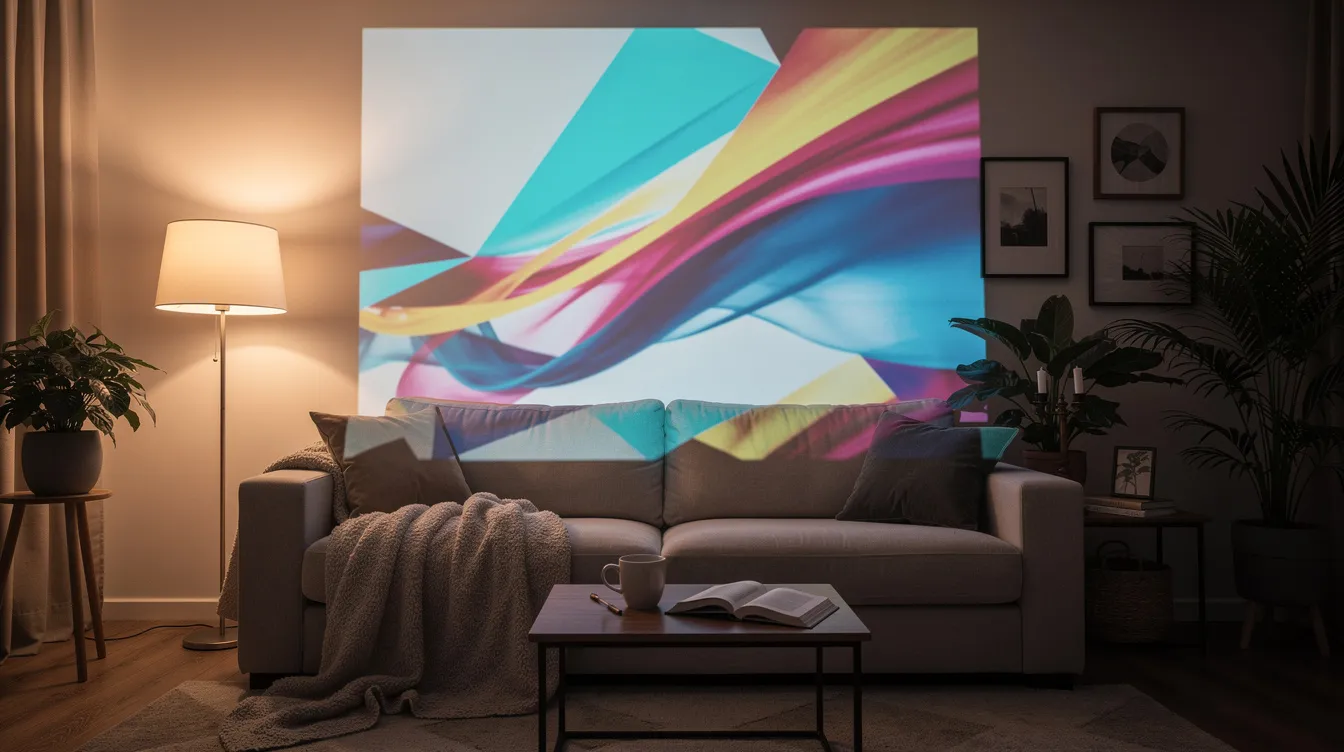
What makes 2024-2025 different is accessibility. AI projection mapping is no longer confined to big-budget shows. Small venues, art studios, and home users can experiment with the same generative techniques that power professional installations. A garage wall can become an interactive canvas for a Halloween party. A living room can transform into an immersive environment for a dinner gathering. The magic of projection mapping has become available to a lot more people.
From Idea to Projection: A Modern AI-Driven Workflow
The journey from concept to final projection follows a clear pipeline that AI has dramatically simplified. Here is what a realistic end-to-end workflow looks like when you project onto a real surface.
Step 1: Concept and Prompt Exploration
Brainstorm themes using text-based AI tools. You might type prompts like “cyberpunk winter market on a brick wall” or “gothic stained glass windows glowing in moonlight.” Generate multiple image candidates to assemble a mood board of base visuals. This capture of creative direction happens in minutes rather than days.
Step 2: Reference Photo Capture
Take a clean photo of the target surface—whether it is a building façade, stage set, garage wall, or living room space. This image becomes the foundation for your mapping. Correct any lens distortion and ensure structural lines are visible.
Step 3: AI Scene Generation
Use generative AI to create base scenes matched to your reference. Modern tools can analyze perspective, proportions, and major architectural lines, producing visuals that align naturally with your surface. Specify the view (“front view façade”), lighting conditions, and artistic style in your prompt.
Step 4: Edge Map and Alignment
Create a crisp edge map or wireframe to lock geometry. AI edge detection tools can turn façade photos into simplified line drawings, highlighting windows, doors, and architectural features. This becomes your alignment layer for precise masking.
Step 5: Visual Refinement and Swapping
With geometry locked, swap in higher-quality AI visuals while preserving mapping. Adjust prompts to refine color palettes, style strength, and composition until the look matches your vision.
Step 6: Export and Playback
Export image or video sequences at projector resolution (1920×1080 for Full HD or 3840×2160 for 4K). Import into mapping software, align to your surface, and play. The entire process—from initial prompt to live projection—can happen in a single day.
How AI Speeds Up Creative Workflows
Timing matters in projection mapping. Event deadlines are tight. Seasonal shows need fresh content. Clients request last-minute changes. AI addresses all of these pressures by collapsing timelines that once stretched into weeks.
Prompt-Based Content Generation
Type a description and receive dozens of façade-ready images in minutes. Where traditional workflows required manual 3D modeling, texture painting, and compositing, AI lets you describe “baroque gilded ornament on sandstone” and see results immediately. This shift fundamentally changes how fast you can iterate.
AI Mood Boards
Quickly generate styles inspired by neon cityscapes, gothic cathedrals, botanical illustrations, or glitch art. Test multiple directions before committing. A single evening of experimentation can explore more visual territory than a week of traditional sketching.
Bulk Generation and Curation
Produce hundreds of variants overnight, then curate the best results for your show. A 30-minute projection might use 50-200 scenes—generating this library manually would take months. With AI, you can create the raw material in hours and focus your time on storytelling and sequencing.
Iterative Refinement
Adjust prompts, style strength, color palettes, and composition to converge on the perfect look in a few cycles. Each iteration takes minutes, not days. The feedback loop between imagination and output becomes almost instantaneous.
Real Project Scenarios
Professional teams are creating multi-evening city projections in three days thanks to AI-driven asset creation. What once required a production timeline measured in months now fits into a sprint. For seasonal content—Christmas markets, Halloween displays, spring festivals—this speed makes previously impossible projects viable.
Better Mapping Through AI: Alignment, Structure, and Resolution
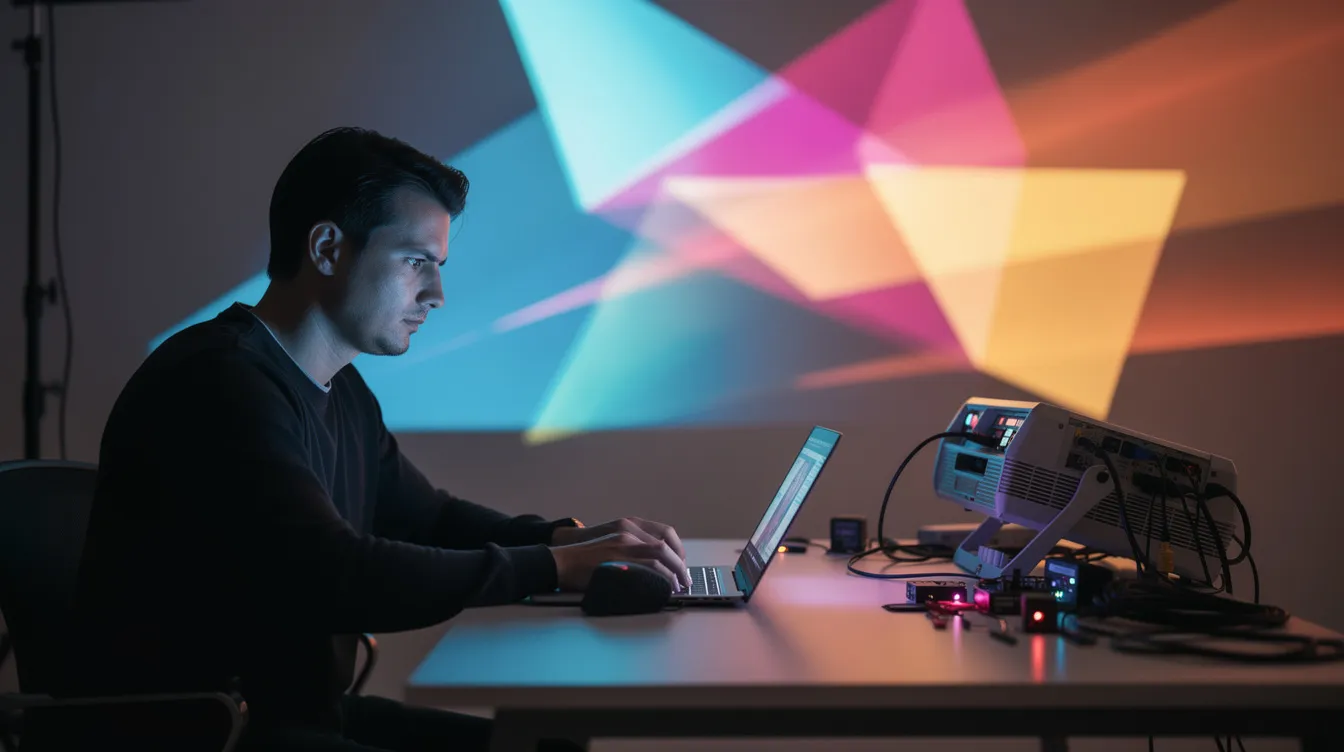
Convincing projection mapping depends on precise geometric alignment and sufficient resolution. When visuals do not match the architecture perfectly, the illusion breaks. AI tools address both challenges.
Edge Detection and Line Drawing
AI edge detection models can turn façade photos into simplified maps perfect for projection masks. Tools using diffusion-based approaches (like DiffusionEdge) produce crisp edges with fewer artifacts than traditional methods. Research shows these models can increase accuracy by 30% or more compared to previous techniques.
Cleaning and Redrawing Edge Maps
AI can clean edge maps so they match real buildings: removing noise, straightening lines, simplifying tiny details that would distract from the projection. This automated cleanup saves hours of manual work in an image editor.
Resolution Challenges
Native AI model outputs often range from 512×512 to 1024×1024 pixels. Projecting onto large surfaces requires upscaling to Full HD (1920×1080) or 4K (3840×2160). Smart upscaling is essential—you need to preserve sharpness on windows, columns, and decorative elements without introducing blur or artifacts.
Modern AI Upscalers
Dedicated AI upscaling tools use perceptual loss functions and texture-aware networks to maintain detail at large projection sizes. For a building façade with ornate carvings, the difference between basic upscaling and AI-enhanced upscaling can be the difference between a muddy image and a stunning projection.
When working with edges of your content, pay attention to soft edge blending if you are utilizing multiple projectors to cover large surfaces. The structure of your pipeline—from AI generation to final output—determines how cleanly your visuals integrate with physical architecture.
Creative Techniques: Prompts, Animation, and Transitions
AI is not only about still images. The real power emerges when you combine structured prompts, animation strategies, and thoughtful transitions.
Practical Prompt Strategies
Start with “front view of the building” plus details about light, mood, season, and artistic style. Example prompts:
- “Frozen forest overtaking a Victorian brick building, moonlit, blue and silver palette”
- “Neon circuit patterns flowing through concrete brutalist architecture”
- “Autumn leaves drifting across windows, warm amber light, nostalgic atmosphere”
Structured Prompt Libraries
Use JSON profiles or prompt templates so a full show can share consistent style across dozens of scenes. This approach ensures visual coherence even when generating hundreds of assets. Change one variable—say, color palette from “warm autumn” to “cool winter”—and regenerate an entire content library.
Simple Animation Workflows
Transform static AI images into dynamic projection sequences:
- Crossfade between AI images for smooth scene changes
- Animate individual layers (foreground architectural glow, midground effects, background atmosphere)
- Map AI textures onto 3D-simulated building panels that rotate or flip
Modular Transition Concepts
Consider a “Rubik’s cube” effect where horizontal lines of the building become rotating strips. Each strip reveals a new AI-generated scene as it turns. This follows the architecture’s natural divisions and creates transitions that feel organic to the structure.
These techniques bring static generated images to life, transforming them into animations that flow naturally across your projection surface.
Making AI Projection Mapping Accessible to Everyone
AI reduces the technical barrier for newcomers while still offering depth for professionals. You do not need years of training in 3D software or motion graphics to create compelling projections.
Getting Started
- A laptop from the last few years
- An HDMI projector (1080p recommended for best results)
- AI-powered mapping software
- A blank wall or simple surface
No coding required. No complex 3D modeling. The program handles calibration and alignment through visual controls.
Real-World Use Cases
- Transform a garage wall for a Halloween party with spooky AI-generated scenes
- Decorate a bar interior with reactive visuals that change with the music
- Enhance a small theater play with atmospheric backdrops
- Run promotions for a pop-up shop with eye-catching projections
- Create Christmas displays that match your home’s architecture
Results for Non-Designers
AI tools help people with no traditional drawing or motion design background achieve visually coherent results fast. Describe what you want, generate options, curate the best, and project. The focus shifts from technical execution to creative vision.
Advanced Combinations
Experienced users can layer AI outputs with their own footage, photography, or generative visuals. Build complex layered shows where AI provides backgrounds and textures while original content handles branding, characters, or specific messaging. This hybrid approach delivers professional results with accelerated timelines.
Experimentation and iteration are expected and encouraged. Start simple—a single wall, a few scenes—and expand as confidence grows.
Experience AI Projection Mapping in HeavyM
HeavyM is an intuitive projection mapping software built for both beginners and advanced digital artists. Its design philosophy prioritizes creative freedom over technical complexity, making it the perfect place to experience the AI projection mapping revolution.
HeavyM natively integrates cutting-edge AI features, allowing users to generate visuals and effects directly inside the software. You can import a photo of your surface, map it in HeavyM, and then use built-in tools to create or refine textures, patterns, and atmospheres—all without leaving the application.
The interface keeps technical complexity hidden behind visual controls:
- Drag-and-drop mapping for quick surface alignment
- Real-time preview so you see changes instantly
- 3D Materials that make mapped shapes behave like real surfaces (metal, wood, glass) with proper light response
- Audio reactivity through built-in sound analysis for beat-synchronized visuals
- Support for multiple projectors and edge blending to cover large surfaces
Whether you are setting up home decoration for Halloween, performing live as a VJ, running a pop-up event, or building a semi-permanent installation, HeavyM adapts to your workflow. The software is compatible with modest hardware—a recent laptop with 8 GB RAM and a mid-range GPU handles most projects smoothly.
Ready to transform your space? Download the HeavyM free trial and test the AI-powered workflow in your next projection mapping project. Experience how quickly you can go from idea to stunning visuals on any surface.
FAQ
Do I need advanced technical skills to start with AI projection mapping?
Basic computer literacy and familiarity with a projector are enough to get started using AI-friendly tools like HeavyM. Modern interfaces hide complex math and calibration steps behind visual controls, so you focus on creativity rather than technical configuration. Begin with simple flat walls—living room surfaces, garage doors, or event backdrops—and gradually move to more complex architectures as confidence grows. The learning curve is gentler than traditional projection mapping because AI handles much of the content creation heavy lifting.
What kind of hardware do I need for AI projection mapping at home or in a small venue?
A laptop or desktop from the last few years, plus an HDMI projector (Full HD recommended), is typically sufficient for most projects. While powerful GPUs speed up local AI generation, you can also generate content in the cloud or ahead of time, then play it back in HeavyM on modest hardware. Dark environments and light-colored surfaces improve visual impact even with projectors of modest brightness. For customers wanting to experiment before investing, a consumer-grade projector and existing computer provide an excellent starting point.
Can I mix AI-generated content with my own videos and images?
Absolutely. AI assets combine naturally with traditional footage, photos, logos, and typography inside a projection mapping show. A common approach uses AI for backgrounds, textures, or atmospheric layer effects while keeping key branding or characters from your original media. HeavyM is designed to handle mixed media timelines, so creators can blend AI visuals and personal content seamlessly. This flexibility means your business branding stays front and center while AI accelerates the creative environment around it.
Is AI projection mapping suitable for professional events and clients?
AI is increasingly used in professional projection mapping for festival façades, product launches, interactive exhibitions, and corporate scenography. The speed advantage is significant—AI shortens pre-production time, making it easier to respond to last-minute client changes and seasonal updates. Professionals maintain control over curation, storytelling, and final look, using AI as an accelerator rather than full autopilot. The value proposition is clear: deliver more creative options in less time while maintaining the polish clients expect.
How can I test AI projection mapping without investing a lot of money upfront?
Start with an existing consumer projector, a blank wall, and a trial version of projection mapping software. Generate a small set of AI scenes, map them to a simple surface, and run a short loop to experience the workflow end to end. Download the HeavyM free trial specifically to explore the integrated AI tools before committing to a full setup. This low-risk approach lets you read the possibilities firsthand and follow your inspiration wherever it leads.