What Software Do You Need For Projection Mapping? (Authoritative 2026 Guide)
Choosing the right projection mapping software can feel overwhelming when over 80 different options exist across wildly different price points and skill requirements. This guide cuts through the noise and helps you determine exactly which category of tools matches your technical ability, budget, and creative goals.
En resumen
The software you need for projection mapping depends entirely on your technical expertise and project scale, ranging from complex node-based programming environments like TouchDesigner to intuitive visual engines like HeavyM. While traditional tools excel at massive LED pixel routing or deep coding for permanent installations, modern visual-first software is designed for immediate, accessible creative output with warping tools and generative effects built in. By choosing a dedicated, geometry-based mapping platform, beginners and professionals alike can instantly transform physical spaces without enduring a steep learning curve.
What Software Do You Need For Projection Mapping? (Core Answer)
To answer the question directly: the best projection mapping software for your project depends on whether you want a node-based, layer-based, or visual-first workflow. Modern projection mapping software varies in usability, scale, and interactivity, so there is no single “correct” answer. Instead, you need to match a tool to your profile.
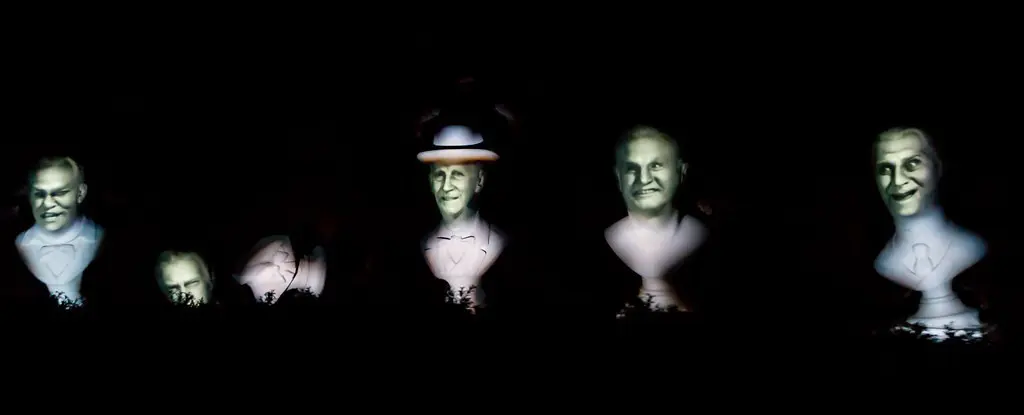
The technique has come a long way since projection mapping began in 1969 at Disneyland’s Haunted Mansion, where Disney’s Haunted Mansion featured animated busts using projection mapping to create immersive experiences for visitors. Michael Naimark’s 1980 installation used projection mapping in a living room to recreate filmed scenes on real objects. The concept gained popularity in the 90s and early 2000s, and today the world of projection mapping spans everything from house mapping to stadium-scale spectacles.
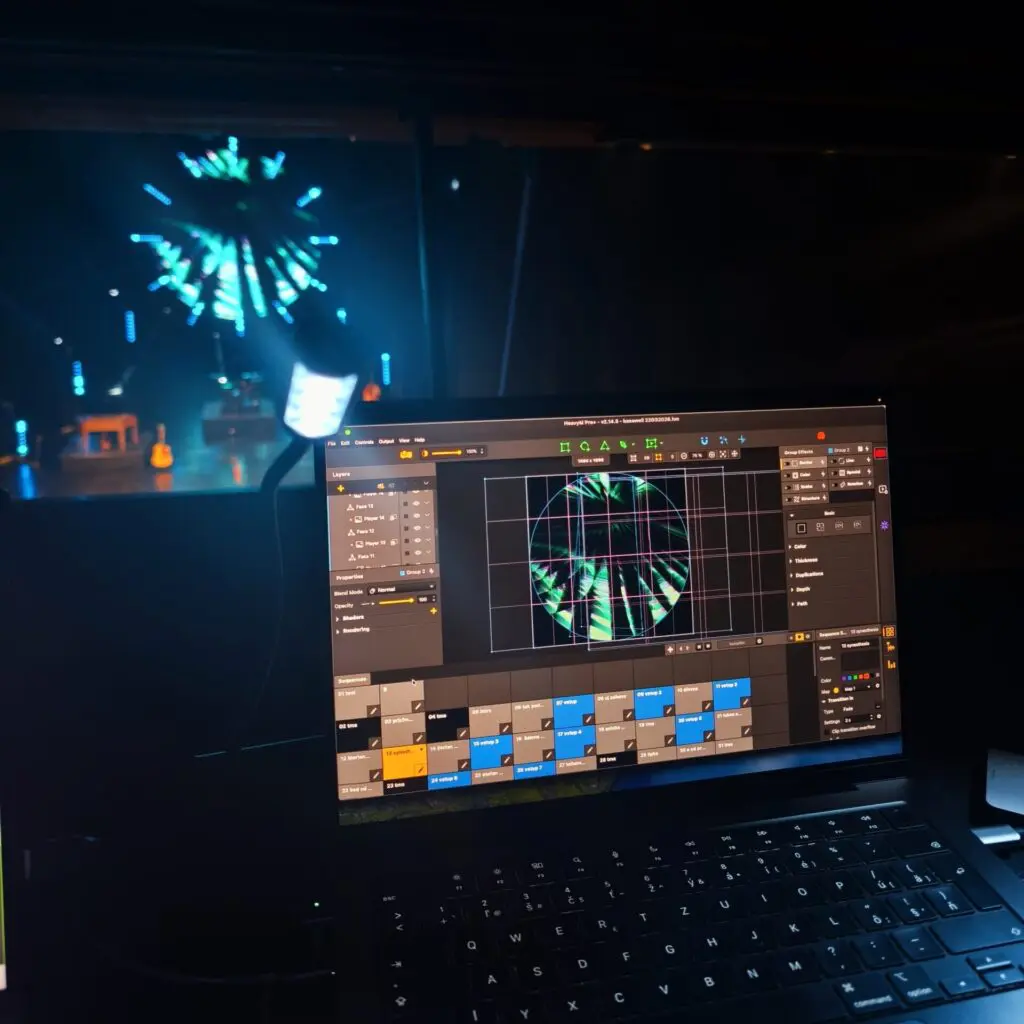
Three typical users emerge. The technical coder wants sensors, custom shaders, and full pipeline control – node-based tools suit them. The live event operator or VJ needs reliable media playback and layer mixing for live concerts and festivals – layer-based tools are their home. Lastly, the creative artist, event planner, or beginner wants amazing visuals fast with minimal setup – visual-first software is the answer.
How Projection Mapping Software Fits Into Your Setup
Every projection mapping project follows a pipeline: you create or get content (video, images, generative effects), feed it into mapping software that handles alignment and warping, then output it through one or more projectors onto a physical surface – a building, stage, car, or even a cake. The terms “video mapping” and “projection mapping” are often used interchangeably; the software is the brain that translates digital visuals onto real-world surfaces by matching your media to real-world geometry.
Projection mapping includes 2D and 3D techniques. 2D mapping uses shapes and masks for content, while 3D mapping involves texturing a 3D model for projection onto complex objects. In both cases, the software creates optical illusions on static surfaces by controlling brightness, contrast, and alignment. Common tasks include keystone correction, perspective warping, soft edge blending across overlapping projectors, masking out architectural features, and multi-output management. The software must handle both video playback and complex geometries simultaneously.
Projection mapping includes 2D and 3D techniques. 2D mapping uses shapes and masks for content, while 3D mapping traditionally involves texturing a 3D model for projection onto complex objects. In practice, this distinction has become less clear-cut: many shows projected onto three-dimensional surfaces — including large building façades — rely entirely on a 2D pipeline, using flat video designed to look volumetric rather than a true 3D model. Tools like HeavyM have made this approach viable even on irregular surfaces, reducing the need for a full 3D workflow in most real-world scenarios.
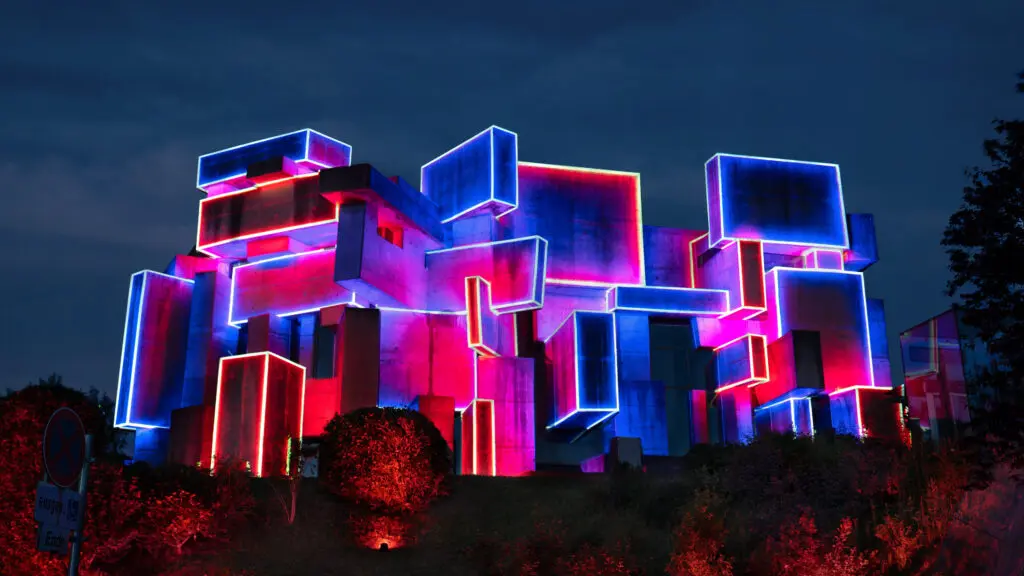
Visual mapping platforms are used to warp and blend visuals onto real-world objects, while cloud-based tools can calculate projector throws and angles for mapping surfaces before you even arrive on site. The throw ratio affects projector placement distance, making it an important part of planning. Effective projection mapping projects require content creation, media playback, and geometric alignment software working together – and choosing your software before buying projectors can save you real money, because some tools are optimized for small house mapping while others target multi-projector building shows.
Projection Mapping Software Categories
The fragmented projection mapping market becomes much clearer once you group tools into three families: Node-Based, Layer-Based, and Visual-First. The technique can enhance the appearance of buildings and monuments, transform everyday objects like shoes into dynamic displays, project visuals onto cars at events, or even map trees in a garden – Six LFC Kits were used for exactly that in one notable project. It creates immersive experiences for theater and television, and the right category of software helps you achieve any of these at your own scale.
The table below compares the three categories on Primary Use Case, Learning Curve, Coding Required, and Best User Profile, helping you quickly determine which family of tools is suitable for your scene.
Projection Mapping Software Categories
CRITERIA | NODE-BASED (e.g., TouchDesigner) | LAYER-BASED (e.g., Resolume, MadMapper) | VISUAL-FIRST (HeavyM) |
|---|---|---|---|
Primary Use Case | Complex interactive installations, generative content driven by sensors and data, irregular 3D architectural mapping | Live VJ performances, touring shows, multi-projector stage setups, LED wall and architecture blending | Geometric mapping of facades and stages, seasonal or event work, creatives needing minimal technical setup |
Curva de aprendizaje | Steep – weeks to months of study | Moderate – days to weeks with tutorials | Easy – usable in hours or a weekend |
Coding Required | High – Python, GLSL, node scripting | Low to medium – mostly GUI-driven | Absolutely none – everything via GUI |
Best User Profile | Engineers, technical artists, multimedia designers | VJs, live event operators, stage lighting techs | Creative artists, beginners, event planners |
Use this table as a quick reference to shortlist the right family before comparing individual brands. If you see yourself in more than one column, start with the easier category and move up only when you hit limitations.
Category 1: Node-Based Projection Mapping Software (For Coders & Technical Artists)
Node-based environments present a visual programming interface where you connect operators or nodes to build custom pipelines for projection mapping, interactive content, and real-time rendering. TouchDesigner is essential for projects requiring real-time visuals or complex interactions, offering mapping tools like Kantan Mapper, CamSchnappry Stoner within its network of operators. TouchDesigner offers a free version for personal use (with resolution limits), while the commercial license starts around 600$.
Typical use cases include large scale projects such as interactive installations driven by sensors and cameras, generative visuals synced to live data, and complex 3D video projections on irregular architecture. Disguise is the industry-leading platform for real-time 3D projection mapping at the highest production tier, and professional media servers offer extensive multi-projector blending for permanent installations. Other solid tools in this space include Notch, vvvvy Unreal Engine with projection mapping plugins – all engineering-heavy by nature.
The learning curve is real. You need comfort with real-time graphics, basic scripting in Python or GLSL, and often 3D concepts. Plan to invest weeks or months before delivering production-quality work in this category.
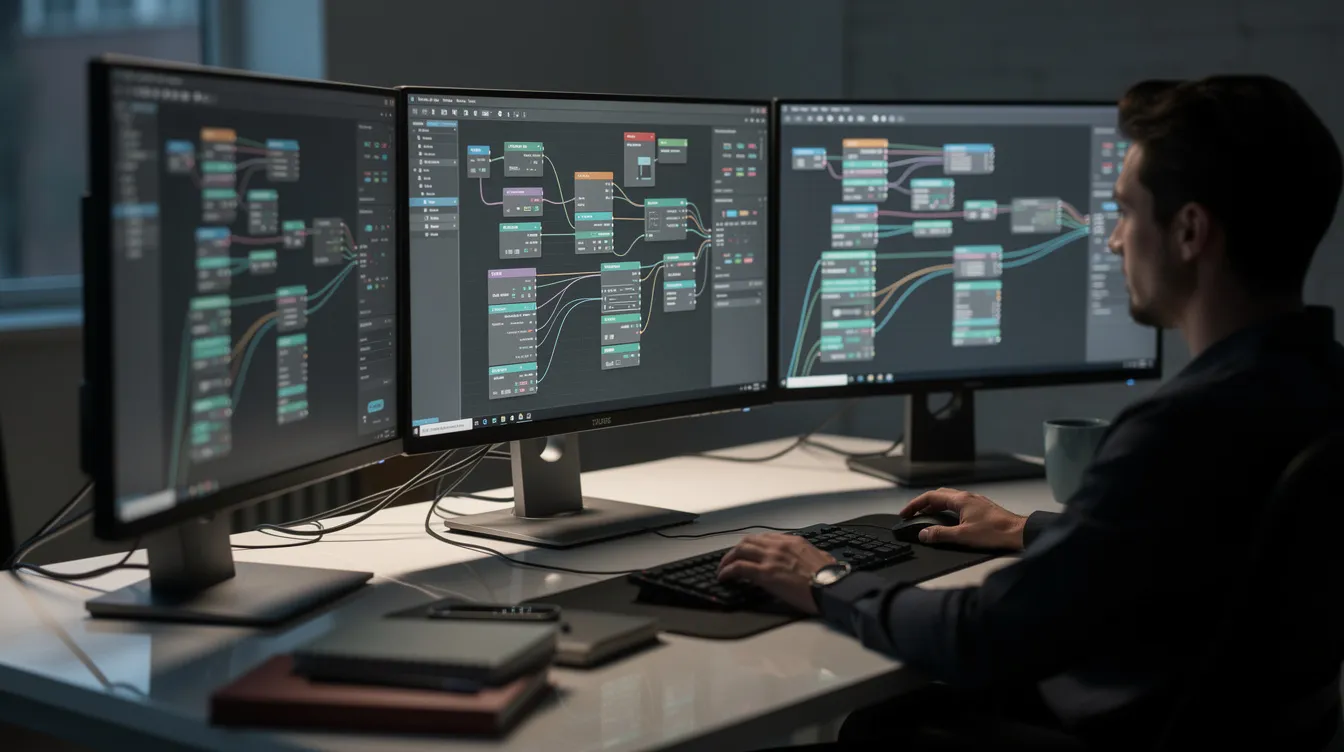
Is Node-Based Software Right For You?
If you enjoy debugging logic graphs, integrating sensors and cameras, and building one-of-a-kind interactive experiences, node-based tools are your playground. These platforms give you complete control over every pixel and every data stream in your installation.
However, if you are an event planner or house mapping enthusiast who mainly wants beautiful, reliable visuals with minimal setup, these tools will slow you down. They are powerful solutions, but rarely the best projection mapping software for beginners or for a first-time project. If you are unsure, start with a visual-first app and only dive into node-based environments when you hit clear creative limitations.
Category 2: Layer-Based Projection Mapping Software (For VJs & Show Operators)
Layer-based tools evolved from classic VJ software. Users stack video layers, apply effects, and route outputs to mapped surfaces or LED walls. The industry standard for live events and VJing is Resolume Arena, widely used at clubs, festivals, and touring shows where live control and media server features matter.
Video mapping in this category works by creating slices or surfaces, assigning them to regions on your object or building, then loading pre-rendered clips, logos, and motion graphics to play back in sync with music. Core strengths include reliable playback, timeline sequencing, edge blending, and integration with lighting protocols like Art-Net for larger shows.
The honest limitation: visual creativity often depends on external content creation. Adobe After Effects is the go-to tool for 2D and 2.5D motion graphics, Cinema 4D is known for its motion graphics tools and integration with After Effects, and Licuadora is a free, open-source 3D software for modeling projection surfaces. You will likely use one or more of these resources alongside your mapping software to produce polished content.
Popular Layer-Based Tools: Resolume, MadMapper & Friends
Resolume Arena serves as both a live VJ platform and a media server, with clip triggering, effects, and mapping features suited to concert stages and LED screens. MadMapper is a reliable tool for video and laser mapping, with an intuitive interface suitable for prototyping and multi-projector setups. Its features extend to light control, MiniMad hardware integration, and MadLaser compatibility.
Both platforms offer demo or trial versions, but they are not free projection mapping software for long-term commercial use – Resolume Arena runs approximately €799, while MadMapper costs around €449 for a full license. Beginners may find these interfaces intimidating compared with visual-first apps, though users who already perform as DJs or VJs will feel right at home with the layer-and-timeline workflow.
Category 3: Generative, Visual-First Projection Mapping Software (For Creatives & Beginners)
Visual-first tools let users draw shapes directly onto the projection surface, then fill them with generative effects and media without writing a single line of code. This category is ideal as projection mapping software for beginners, for house mapping during holidays, small business storefronts, and quick-turnaround art installations. Beginner tools prioritize built-in visual effects and automated mapping, simplifying geometry creation, warping, and basic video mapping into an approachable workflow.
Some visual-first tools still support pro-oriented features like multi-projector setups and integration with lighting and audio systems, so they scale well beyond simple bedroom experiments. Browser-based options like Map Club (a web based tool with 23 built-in shaders and no watermarks) and Ghost Arcade (an open-source platform with 316+ GPU shaders) are expanding what is possible at zero cost.
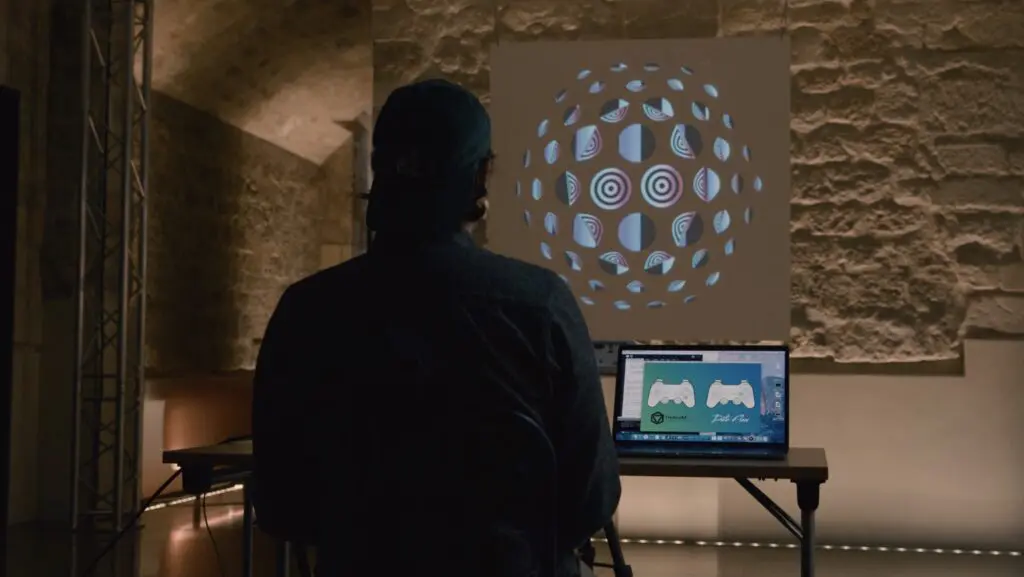
Why HeavyM Is The Most Accessible Visual-First Mapping Tool
HeavyM stands out as the ultimate visual-first mapping software because it bridges the gap between casual prototyping and professional AV integration, requiring absolutely no coding. Instead of wrestling with complex node trees or rendering external video loops, creators use an intuitive drag-and-drop interface to trace physical architecture directly from the projector’s perspective in minutes. The platform eliminates the content bottleneck entirely by providing over 100 built-in visual effects paired with native, zero-latency real-time audio reactivity, instantly syncing your generative art to the beat of the music. Whether you are a beginner transforming a bedroom wall or an event planner orchestrating a stage design, the engine scales flawlessly alongside your ambition via industry-standard protocols including OSC, MIDI, Art-Net/DMX, Syphon/Spout.
Recommended Tools By Skill Level & Use Case
This section helps you match real-world scenarios to the right software category and specific tools.
Complete Beginners / First Project: Start with HeavyM or a free option like Map Club. You can achieve compelling results in a few hours and focus on learning the fundamentals of alignment, masking, and warping.
Intermediate Creators / Small Venues: Combine visual-first tools with content created in After Effects o Licuadora for seasonal house mapping, storefronts, and small theatre shows. At this level, HeavyM Pro and Pro+ offer a natural upgrade path — adding multi-output support, advanced warping, and protocol integration (MIDI, OSC, DMX) without abandoning the intuitive workflow you already know. Tools like MadMapper are a valid alternative but introduce a steeper learning curve and a more technical setup that may outweigh the benefits for single-operator or small-team productions.
Advanced Technical Artists / Interactive Installations: Choose TouchDesigner or a comparable node-based environment, possibly routing output through a mapping front-end or media server for large-scale building projection mapping. TouchDesigner’s free non-commercial license gives you access to explore its full feature set at a capped resolution before committing.
How To Choose Your First Projection Mapping Software (Step-By-Step)
Follow these five steps to avoid analysis paralysis:
- Define your canvas. Is it an indoor wall, a holiday house mapping project, a stage set, or a car? Your surface and audience size determine the features and quality you need.
- Decide if you want to code. If the answer is no, skip node-based tools entirely and focus on visual-first or layer-based solutions.
- Clarify your timeline. If you have a show in two weeks, pick intuitive software like HeavyM rather than investing in deep node-based training. Speed matters.
- Check integration needs. If your project must sync with lighting rigs, audio, or external controllers, confirm the software supports protocols like OSC, MIDI, or Art-Net. Compatible protocol support prevents headaches at showtime.
- Download trials and test. Start with the HeavyM free trial and a single projector on a simple surface. Only then consider investing in paid licenses or more complex workflows.
Conclusion: Start Mapping Without Becoming An Engineer
You do not need to become a software engineer or 3D expert to begin with projection mapping in 2026. Node-based tools suit coders and interactive installations, layer-based tools suit VJs and touring shows, and visual-first tools like HeavyM are ideal for creatives and event planners who want an immersive experience without the engineering overhead. The best projection mapping software for beginners is the one that lets you quickly experiment and iterate, rather than burying you in technical setup. Of course, as your skills grow, you can always move up.
Ready to Start Mapping?
Projection mapping is fully accessible to anyone today, regardless of coding background or production budget. You just need to choose the tool that matches your creative workflow.
Stop analyzing and start experimenting. Descargar el HeavyM prueba gratuita today, connect any standard projector to your computer, and discover how incredibly fast you can turn an ordinary physical surface into a dynamic, audio-reactive canvas tonight.
PREGUNTAS FRECUENTES
These questions cover practical concerns about hardware, budget, and learning paths that beginners, digital artists, and event planners commonly raise before starting their first projection mapping project.
What kind of computer do I need for projection mapping?
Most modern projection mapping software runs well on a recent Windows or macOS computer with a dedicated GPU, at least 16 GB of RAM, and an SSD for fast media loading. Complex 3D or node-based setups demand stronger GPU, while visual-first tools like HeavyM are more forgiving and run smoothly on mid-range hardware. Multiple outputs or 4K playback increase demands, so beginners should start with a single 1080p projector. Always test your setup with trial versions of software before purchasing expensive machines.
Is there truly free projection mapping software I can use long-term?
Fully free options are limited but do exist. TouchDesigner offers a powerful non-commercial license with resolution restrictions. Many popular mapping tools provide free trials or watermarked demos, ideal for learning but not for polished commercial shows. HeavyM offers a free trial so you can test real-world mapping workflows before committing. Think of software costs as part of your creative toolkit, similar to buying a DAW or photo editor – a worthwhile investment once you find the right fit.
How long does it take to learn projection mapping software?
Visual-first software like HeavyM can be learned in a few hours to a weekend, while node-based environments may take weeks or months to feel comfortable using. Prior experience with video editing, motion graphics, or music production can shorten the learning curve significantly. Many tools have official tutorials and community resources that help you move from basics to advanced techniques faster. Start with a tiny project – such as mapping a poster on a wall – before planning a full house mapping or large event.
Do I need special projectors for house mapping or outdoor shows?
For small house mapping or garden shows, the critical factor is brightness rather than any special “projection mapping projector.” Projector brightness is measured in ANSI lumens, and home theater projectors typically emit between 1,500–3,000 lumens – often insufficient for outdoor use. Projectors for house mapping should have at least 3,000 lumens in dark environments, while projectors over 5,000 lumens are recommended for larger homes. Projectors with over 5,000 lumens are ideal for large displays at the angle and scale of full facades. Most mapping software, including HeavyM, works with standard HDMI or DisplayPort projectors, so compatibility is usually not an issue. Test outdoors at night to check visibility before committing to a full show design.
Can I use the same software for LED walls and projection mapping?
Many layer-based tools like Resolume and MadMapper can drive both projectors and LED walls, mapping content across different outputs. Visual-first tools like HeavyM are primarily optimized for live performances via projection, but can integrate into hybrid setups. LED projects often require additional hardware (LED controllers, processors) beyond the mapping software itself. If you are a beginner, focus on projection first, then expand to LEDs once you are comfortable with the software and the content creation process.